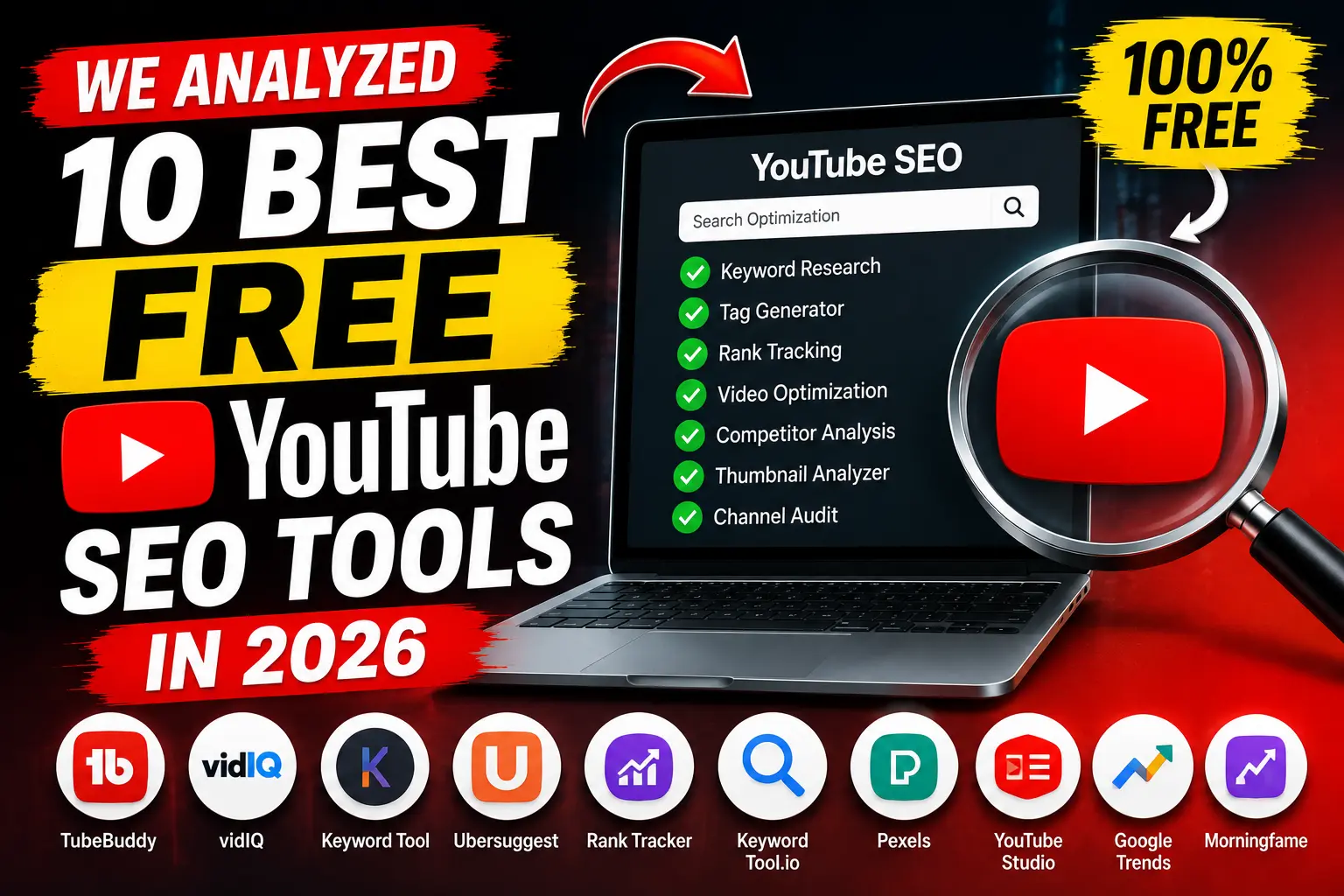
YouTube now sees over 500 hours of video uploaded every single minute. With that much competition, uploading a good video simply isn’t enough anymore you need to make sure YouTube’s algorithm and your audience can actually find it. That’s where YouTube SEO tools come in.
We looked at the tools creators, editors, and small teams actually reach for in 2026 the ones covering keyword research, tag generation, thumbnail work, monetization checks, and channel analytics and broke down what each one does best, where it falls short, and who it’s really built for. Here are the 10 best free YouTube SEO tools in 2026.
1. Toolbil
Best for: an all in one free toolkit for monetization checks, tags, thumbnails, and metadata
Toolbil is a free, browser based suite built specifically around the day to day tasks YouTube creators repeat constantly without requiring a login or account for any of it. Where most tools on this list specialize in one job (keyword research, or thumbnails, or analytics), Toolbil bundles several of the most used YouTube SEO tasks into one place:
YouTube Monetization Checker – instantly estimates whether a channel is eligible for the YouTube Partner Program, along with estimated monthly earnings based on views and country-specific CPM benchmarks. Works on any public channel, not just your own, which makes it useful for vetting collaboration or sponsorship partners too.
YouTube Tag Generator – generates relevant tag suggestions from a video topic or keyword to help with discoverability.
YouTube Thumbnail Downloader – pulls thumbnails from any public video or Short in up to full HD, useful for competitor research and studying what’s driving clicks in your niche.
Video Data Extractor – extracts metadata from any YouTube video for quick analysis.
YouTube Channel Name Generator – AI-assisted brainstorming for creators still naming their channel.
Sponsorship Calculator – estimates fair brand-deal rates based on channel size and engagement.
Strengths: genuinely free with no usage caps, no account required for any tool, and the monetization checker in particular fills a gap most competitors don’t cover at all very few free tools let you check any channel’s estimated monetization status, not just your own via YouTube Studio.
Limitations: it’s newer than the established players on this list, so it doesn’t yet have the deep historical analytics or browser extension based real time overlay that tools like TubeBuddy and VidIQ offer while you’re actively browsing YouTube.
2. VidIQ
Best for: competitor research and AI-driven keyword suggestions
VidIQ is one of the most widely used YouTube growth platforms, offering a free tier that includes competitor analysis, basic keyword research, and video optimization scoring. It overlays directly onto YouTube’s own interface via a browser extension, so you get keyword and performance data while you browse.
Strengths: strong free tier keyword suggestions, useful competitor insight, and an active community around the brand.
Limitations: the most useful analytics and historical data are gated behind paid tiers.
3. TubeBuddy
Best for: step by step video optimization while uploading
TubeBuddy functions like a built-in growth coach inside YouTube Studio. Its free plan includes a guided checklist that walks you through optimizing tags, thumbnails, and descriptions before a video goes live, plus basic keyword research tools.
Strengths: the in-upload checklist is genuinely useful for creators who don’t want to think about SEO as a separate step, and bulk-editing tools help channels with large back catalogs.
Limitations: advanced features like A/B testing and deeper keyword data require a paid plan, and some reviewers note the interface still reflects an older, more tag heavy approach to YouTube SEO.
4. YouTube Studio (Research Tab & Analytics)
Best for: first-party, 100% accurate performance data
It’s easy to overlook YouTube’s own built in tools, but YouTube Studio’s Research tab and Analytics dashboard remain the most accurate free source of audience search data because it comes directly from YouTube itself, not a third party estimate.
Strengths: completely free, no third-party data guessing involved, and shows exactly what your specific audience is searching for.
Limitations: no competitor analysis, and the interface isn’t built for quick topic brainstorming the way dedicated keyword tools are.
5. Google Trends
Best for: validating whether a topic is worth making a video about
Google Trends tracks search interest over time and by region, making it a solid free way to sanity check whether a topic idea has real, sustained audience demand before you invest time filming.
Strengths: completely free, shows geographic and historical interest, and works well alongside more YouTube specific tools.
Limitations: it’s a general search trend tool, not YouTube specific, so results need some interpretation for video content.
6. Social Blade
Best for: tracking channel growth and benchmarking against competitors
Social Blade is a long standing free tool for tracking subscriber growth, upload frequency, and estimated earnings over time both for your own channel and any public competitor.
Strengths: great for longer term growth tracking and competitive benchmarking at a glance.
Limitations: more of a monitoring tool than an optimization tool it tells you what’s happening, not specifically what to fix.
7. Keyword Tool (keywordtool.io)
Best for: long tail keyword discovery pulled from YouTube’s own autocomplete
Keyword Tool pulls suggestions directly from YouTube’s autocomplete data, which reflects what people are actually typing into YouTube’s search bar. It’s a straightforward way to find long-tail phrases for titles, tags, and descriptions.
Strengths: free tier is genuinely usable, and results are grounded in real YouTube search behavior rather than a third party estimate.
Limitations: search volume and deeper filtering are limited on the free plan.
8. RapidTags
Best for: fast, no-frills tag generation
RapidTags is a free, web-based tag generator no account needed. Enter a topic or keyword and it returns a list of relevant tags in real time.
Strengths: about as simple and fast as tag generation gets, with zero setup.
Limitations: narrowly focused on tags only, so it needs to be paired with other tools for a full SEO workflow.
9. Canva (Free Plan)
Best for: designing thumbnails that actually drive clicks
Thumbnails are one of the biggest click through rate levers on YouTube, and Canva’s free plan gives creators an accessible way to design polished, on brand thumbnails without any design background.
Strengths: huge template library, easy to learn, and genuinely free for core features.
Limitations: it’s a design tool, not an SEO tool per se best used in combination with a thumbnail research tool (like Toolbil’s downloader) to study what’s already working in your niche before designing your own.
10. TubePilot AI
Best for: a broad library of free AI powered YouTube tools
TubePilot AI offers a large collection of free tools covering tags, titles, descriptions, and other metadata generation tasks, aimed at creators who want quick AI assisted drafts rather than doing everything manually.
Strengths: wide range of free tools in one place, and no cost to access the core features.
Limitations: as with any AI generated metadata, outputs benefit from a human editing pass before publishing.
Which Free YouTube SEO Tool Should You Actually Use?
No single tool on this list covers everything, and that’s normal YouTube SEO in 2026 spans several distinct jobs: topic validation, keyword research, tag generation, thumbnail design, metadata analysis, and channel/monetization tracking. Most creators end up combining two or three tools rather than relying on one.
If you want the smallest number of tools to cover the widest range of daily tasks checking monetization eligibility, generating tags, studying competitor thumbnails, and pulling video metadata Toolbil is worth starting with simply because it consolidates several of these jobs into one free, no login toolkit rather than requiring separate accounts across multiple sites.
For deeper keyword research and real-time optimization while uploading, pairing it with VidIQ or TubeBuddy‘s free tiers, plus YouTube Studio’s own Research tab for first-party data, rounds out a solid, entirely free YouTube SEO stack for 2026.
Have a favorite free YouTube SEO tool we missed? Let us know we’re always updating this list as new tools launch.
Two creators. Both post twice a week. Both hit 100,000 views a month.
One earns $300. The other earns $6,000.
Same platform. Same effort. The only difference is the niche they chose.
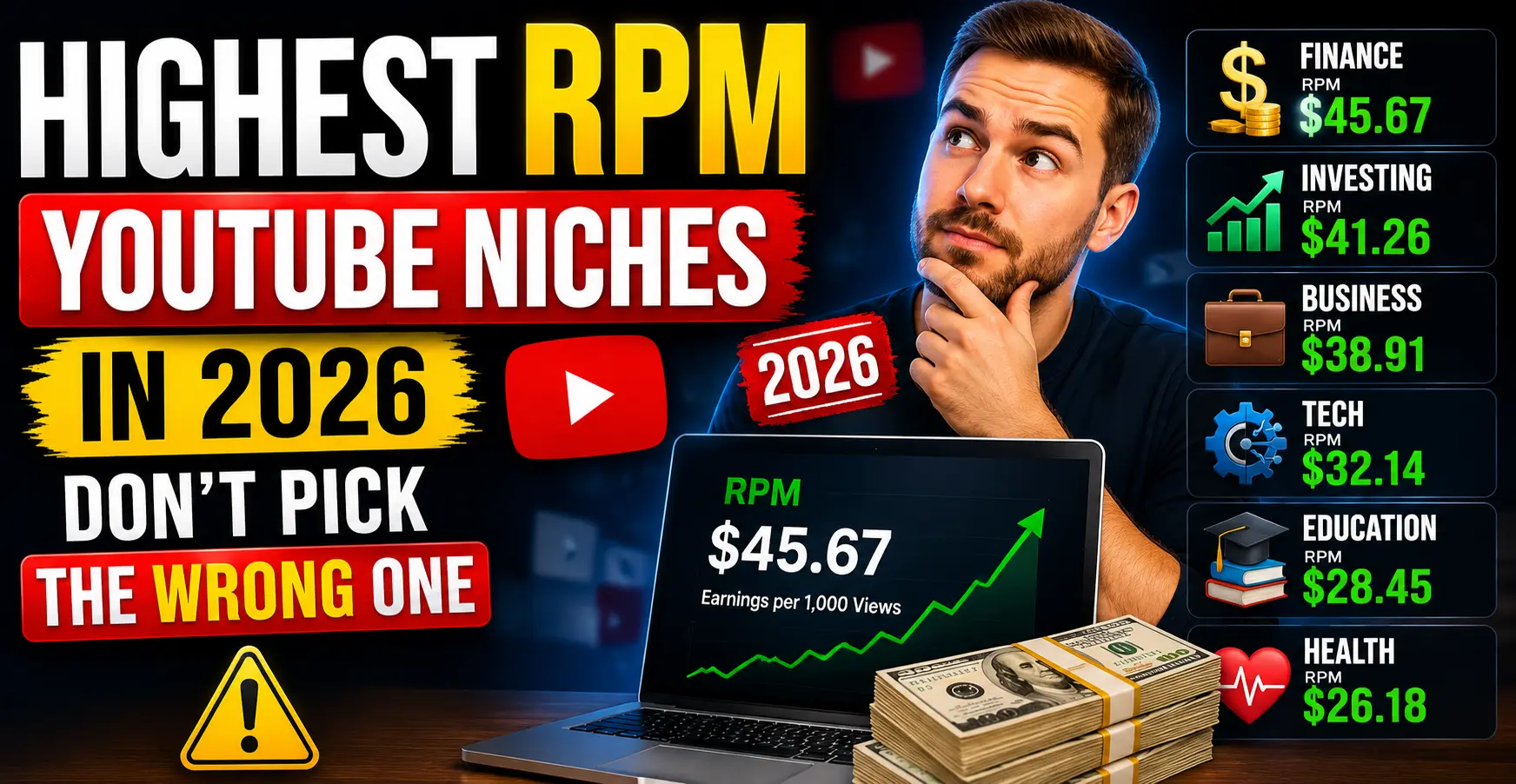
This is the reality of YouTube RPM in 2026. The highest RPM YouTube niches pay up to 40× more per view than the lowest ones. A finance creator with 50,000 subscribers can out earn a gaming creator with 500,000 subscribers just because of where they chose to plant their flag.
If you are starting a new YouTube channel, considering a niche switch, or simply wondering why your RPM is lower than you expected, this guide gives you the complete 2026 data: every major niche ranked by RPM, a full comparison table, the reason each niche pays what it pays, and the exact formula to calculate what your channel should be earning.
CPM vs RPM: What You Actually Get Paid
Before getting into the rankings, this distinction matters more than most creators realise.
CPM (Cost Per Mille) is what advertisers pay YouTube per 1,000 ad impressions. It is not the number in your bank account. It is the sticker price on the ad, before YouTube takes its cut.
RPM (Revenue Per Mille) is what you actually earn per 1,000 video views — after YouTube keeps its 45% share and after accounting for the fact that not every view shows an ad.
The formula:
RPM = (CPM × 0.55) × Ad Impression Rate
The ad impression rate — meaning the percentage of your views that actually show ads — typically sits between 40% and 65% depending on your niche, audience geography, and video length. Longer videos with mid-rolls have higher impression rates. Short videos and Shorts have much lower ones.
Real example:
A finance channel with a $40 CPM and a 55% ad impression rate earns:
($40 × 0.55) × 0.55 = $12.10 RPM
That is your take-home per 1,000 views. At 100,000 monthly views, that is $1,210 from ads alone — before sponsorships, affiliates, or memberships.
This is why RPM, not CPM, is the number you should care about. CPM is an advertiser metric. RPM is a creator metric. Always check your actual RPM in YouTube Studio Analytics, not the CPM figures quoted by other creators, because CPM numbers get inflated in discussions.
Highest RPM YouTube Niches 2026: Full Comparison Table
This table is based on verified 2025–2026 data from creator earnings reports, advertising platform benchmarks, and industry data. All RPM figures represent US-dominant audience earnings after YouTube’s 45% revenue share.
#
Niche
RPM Range (US)
CPM Range
Competition
Best For
1
Personal Finance & Investing
$12 – $35
$22 – $65
Very High
Established creators with expertise
2
Insurance & Financial Planning
$15 – $32
$27 – $58
High
Finance niches, adjacent content
3
Real Estate Investing
$15 – $30
$27 – $55
Medium-High
Property, investing, market analysis
4
Legal Advice & Attorney Content
$10 – $28
$18 – $51
Medium
Lawyers, legal educators
5
B2B Software & SaaS Reviews
$8 – $24
$15 – $44
Medium
Tech-focused, tutorial channels
6
Digital Marketing & SEO
$8 – $22
$15 – $40
Medium-High
Marketing, agency, freelance creators
7
Make Money Online & Business
$8 – $18
$15 – $33
Very High
Entrepreneurship, side hustle content
8
Technology Reviews
$8 – $15
$15 – $27
High
Consumer tech, AI tools, gadgets
9
Health, Medicine & Wellness
$5 – $16
$9 – $29
Medium
Healthcare, supplements, fitness
10
Education & Career Development
$5 – $14
$9 – $25
Medium
Tutoring, skill development, courses
11
Travel (Aspirational)
$5 – $14
$9 – $25
Medium
Credit card brands, hotels, booking
12
Food & Cooking
$4 – $10
$7 – $18
Medium
DTC food brands, kitchen products
13
Fitness & Gym
$4 – $10
$7 – $18
Medium
Equipment, supplement advertisers
14
History & Documentary
$4 – $10
$7 – $18
Low-Medium
Premium subscription advertisers
15
Parenting & Family
$3 – $9
$5 – $16
Low-Medium
DTC baby brands, education apps
16
Gaming
$1.50 – $5.50
$3 – $10
Very High
Gaming peripherals, VPN sponsors
17
Entertainment & Comedy
$1.50 – $7
$3 – $13
Very High
Broad audience, low advertiser intent
18
Lifestyle & Vlogs
$1.50 – $5.50
$3 – $10
Very High
Low advertiser specificity
19
Music
$0.80 – $4
$1.50 – $7
High
Music streaming platform ads
Youtube RPM ForPersonal Finance & InvestingNiche
Finance channels earn $12–$35 RPM, making it the highest-paying niche on YouTube for creators with a US dominant audience.
Insurance and financial planning channels earn $15–$32 RPM, driven by advertisers whose single customer is worth thousands of dollars in lifetime value.
Youtube RPM ForReal Estate InvestingNiche
Real estate channels earn $15–$30 RPM, attracting premium advertisers from mortgage lenders, property platforms, and investment apps.
Legal content channels earn $10–$28 RPM, one of the strongest RPM ranges on YouTube outside of core finance niches.
Youtube RPM ForB2B Software & SaaS ReviewsNiche
B2B software and SaaS review channels earn $8–$24 RPM, fuelled by enterprise software companies willing to pay high CPMs to reach business decision-makers.
Youtube RPM For Digital Marketing & SEO Niche
Digital marketing and SEO channels earn $8–$22 RPM, as agency tools, course platforms, and marketing software brands compete to reach a commercially active audience.
Youtube RPM ForMake Money Online & BusinessNiche
Make money online and business channels earn $8–$18 RPM, attracting course creators, business tools, and entrepreneurship platforms as their primary advertisers.
Youtube RPM For Technology Reviews Niche
Tech review channels earn $8–$15 RPM, with consumer electronics brands, AI tools, and software companies all bidding for placement alongside purchase intent content.
Youtube RPM For Health, Medicine & Wellness Niche
Health and wellness channels earn $5–$16 RPM, with RPM varying widely based on whether content skews toward clinical health topics or general wellness.
Youtube RPM ForEducation & Career DevelopmentNiche
Education channels earn $5–$14 RPM, with online learning platforms and career-focused tools driving the advertiser mix.
Youtube RPM ForTravel Niche
Travel channels earn $5–$14 RPM, with credit card companies, hotel brands, and booking platforms paying a premium to reach audiences actively planning trips.
Youtube RPM ForFood & Cooking Niche
Food and cooking channels earn $4–$10 RPM, supported by direct to consumer food brands and kitchen product advertisers.
Youtube RPM ForFitness & GymNiche
Fitness channels earn $4–$10 RPM, with supplement brands and equipment companies making up the bulk of the advertiser mix.
Youtube RPM ForHistory & DocumentaryNiche
History and documentary channels earn $4–$10 RPM with a Tier 1 audience, sitting in the mid tier range behind finance and tech but well above entertainment.
Youtube RPM ForParenting & FamilyNiche
Parenting and family channels earn $3–$9 RPM, driven by baby product brands, parenting apps, and education platforms targeting new and expecting parents.
Youtube RPM ForGamingNiche
Gaming channels earn $1.50–$5.50 RPM, one of the largest gaps between niche popularity and ad revenue on the entire platform.
Youtube RPM ForEntertainment & ComedyNiche
Entertainment and comedy channels earn $1.50–$7 RPM, reflecting the challenge of monetising broad audiences that lack specific advertiser purchase intent.
Youtube RPM ForLifestyle & Vlogs Niche
Lifestyle and vlog channels earn $1.50–$5.50 RPM, with general consumer advertisers filling the inventory rather than high value vertical brands.
Youtube RPM ForMusicNiche
Music channels earn $0.80–$4 RPM, the lowest baseline of any major YouTube niche, largely because music streaming platform ads dominate the category at low CPMs.
Note: RPM varies significantly by audience country. The figures above apply to channels with 60%+ US viewership. Non US audiences typically earn 30–60% less per view in the same niche. For country specific CPM data, use Toolbil’s free YouTube Monetization Checker to see earnings estimates based on your target country.
Top 10 Highest RPM Niches Detailed Breakdown
🥇 1. Personal Finance & Investing — $12–$35 RPM
Why it pays: Financial services advertisers banks, brokerages, insurance companies, and fintech apps compete aggressively for placement on finance content. A viewer researching credit cards, index funds, or tax strategies is actively looking to spend or invest money. That purchase intent makes them extremely valuable to advertisers, who pay $22–$65 CPM to reach them.
Finance creator Graham Stephan has publicly shared RPM figures ranging from $6 to $29.30 in a single month, with his channel earning over $600,000 in its first year purely from ad revenue. At 100,000 monthly views in this niche, a US-focused channel earns roughly $3,000–$10,000 per month from ads alone before sponsorships.
Best sub-niches: Credit cards, index fund investing, tax planning, personal budgeting, retirement planning, financial planning for freelancers.
The catch: This is the most competitive niche on YouTube. New creators face established channels with millions of subscribers. Breaking through requires a specific micro niche angle “investing for nurses” or “personal finance for new immigrants” perform better than generic finance content for new channels.
Monetization beyond ads: Finance creators consistently earn more from affiliate commissions (broker referrals, credit card sign-ups) and sponsorships than from AdSense. A $15 RPM finance channel earning $1,500/month from ads might earn $5,000–$10,000/month from a single brokerage affiliate deal.
🥈 2. Insurance & Financial Planning — $15–$32 RPM
Why it pays: Insurance is one of the highest-spending categories in Google Ads, and that directly elevates YouTube CPMs for related content. A single insurance customer is worth thousands of dollars in lifetime value to an insurer which is why they bid $27–$58 per 1,000 impressions to reach potential customers on YouTube.
Best sub-niches: Life insurance explainers, health insurance guides, auto insurance comparisons, disability insurance, estate planning, retirement income strategies.
Note: Pure insurance content is harder to make engaging. The highest-performing channels combine financial planning with insurance topics rather than making standalone insurance content.
🥉 3. Real Estate Investing — $15–$30 RPM
Why it pays: Real estate attracts premium advertisers including real estate platforms, mortgage lenders, property management software, and investment apps. Viewers are high income individuals actively considering large financial decisions, making them extremely valuable to advertisers.
Real estate investing channels with a US-heavy audience report some of the strongest RPMs on the platform $18–$35 RPM for channels covering real estate investing, property analysis, and housing market content.
Best sub niches: Real estate investing for beginners, rental property analysis, house flipping, REIT investing, commercial real estate, short term rental (Airbnb) strategy.
4. Legal Advice & Attorney Content — $10–$28 RPM
Why it pays: Law firms pay $100+ per click in Google Ads because a single client can generate $10,000–$100,000+ in fees. That advertising spend flows into YouTube CPMs for legal content. A viewer searching for information about personal injury, immigration law, or estate planning is potentially a high value client for legal advertisers.
Best sub-niches: Immigration law, personal injury rights, estate planning, small business legal basics, tenant rights, criminal law explainers.
Important: Legal content must always include clear disclaimers that it is educational and not legal advice. YouTube’s advertiser guidelines are strict about health and legal claims.
5. B2B Software & SaaS Reviews — $8–$24 RPM
Why it pays: SaaS companies pay premium CPMs because their target customers are business owners and professionals with company budgets. A single SaaS customer on a $299/month subscription plan is worth $3,500+ in annual revenue making $15–$44 CPM a sensible investment.
Best sub-niches: CRM software reviews, project management tools, AI productivity tools, developer tools, email marketing platforms, cybersecurity software.
Bonus: SaaS companies offer among the highest affiliate commission rates in the creator economy often 20–40% recurring commissions for software referrals. A B2B software channel earns significantly more from affiliate links than from AdSense alone.
6. Digital Marketing & SEO — $8–$22 RPM
Why it pays: Digital marketing agencies, SEO tools, and marketing education platforms compete for a high intent audience of business owners and marketers. Viewers are actively looking to grow their businesses, making them premium advertising targets.
Best sub-niches: YouTube SEO (highly relevant for toolbil.com readers), keyword research tutorials, Google Ads walkthroughs, social media marketing strategy, content marketing, local SEO for small businesses.
7. Make Money Online & Business — $8–$18 RPM
Why it pays: Online education platforms, business course creators, and productivity tool companies pay premium rates to reach entrepreneurially-minded viewers. The audience has high purchase intent for courses, tools, and services that promise income growth.
Competition warning: This is one of the most oversaturated niches on YouTube. Hundreds of thousands of channels cover this space. New creators need a highly specific angle “make money online for teachers” or “side hustles for truck drivers” to stand out and rank in search.
8. Technology Reviews — $8–$15 RPM
Why it pays: Consumer electronics brands, software companies, and cloud service providers pay solid CPMs to reach viewers with purchase intent. Tech review channels also benefit from high affiliate revenue through Amazon Associates and direct brand partnerships.
MKBHD style tech channels with US-heavy audiences typically see $15–$25 RPM on long form content, particularly for reviews of higher priced consumer electronics where viewers are close to a purchase decision.
Best sub-niches: AI tools and automation, smartphone reviews, laptop comparisons, smart home devices, productivity tech, cybersecurity tutorials.
9. Health, Medicine & Wellness — $5–$16 RPM
Why it pays: Supplement companies, health insurance providers, fitness apps, and medical technology brands all advertise heavily on health content. The audience is broad and the advertiser variety keeps CPMs competitive across sub niches.
Best sub-niches: Nutrition and diet science, mental health education, sleep optimization, chronic disease management, medical explainers, fitness for specific demographics (seniors, postpartum, etc.).
Note: Health content falls under YouTube’s YMYL (Your Money or Your Life) guidelines. Medical misinformation can result in demonetization. Stick to educational, evidence-based content.
10. Education & Career Development — $5–$14 RPM
Why it pays: Job platforms (LinkedIn, Indeed), online learning platforms (Coursera, Udemy, Skillshare), and professional certification companies pay competitive CPMs for career-focused content. Viewers are motivated, employed adults with spending power.
Best sub-niches: Coding tutorials, resume and interview skills, professional certification guides, skill development for specific industries, higher education navigation.
Emerging High-RPM Niches Most Creators Overlook
Beyond the established top 10, these three niches are generating surprisingly high RPMs in 2026 with significantly less competition:
Betrayal & Revenge Narratives — $12.82 RPM
Betrayal and revenge narrative channels currently show the highest verified RPM at $12.82 per 1,000 views, driven by long watch times (8–15 minute stories keep viewers engaged) combined with advertiser-friendly drama content. The niche shows 21× growth with relatively low competition, meaning new creators can still rank.
This niche works well for faceless creators AI narration over stock footage is the dominant format.
English Learning Podcasts & Tutorials — $11.88 RPM
English learning content earns $11.88 RPM with only around 10,000 competing channels one of the most underserved high-RPM niches on YouTube. Education platforms like Duolingo, Babbel, and Cambly pay premium CPMs to reach learners actively seeking language learning tools.
AI Tools & Automation — $10–$18 RPM (fast growing)
AI companies are flooding YouTube advertising as the software market expands. Channels reviewing, comparing, and tutoring AI tools are seeing CPMs climb rapidly. This niche combines the SaaS software CPM advantage with extremely high audience growth and most channels in this space are still under 100,000 subscribers.
Lowest RPM Niches: What to Know Before Choosing
Not all niches are created equal for ad revenue. Here is what the data says about the lowest-paying categories:
Gaming ($1.50–$5.50 RPM) is the most notorious low RPM niche. Despite massive viewership, gaming advertisers pay comparatively little per impression because the audience (predominantly younger males) converts poorly on high value financial products. Gaming creators who break through to sustainable income typically rely on sponsorships from gaming peripheral brands, VPN providers, and energy drinks rather than AdSense.
Entertainment and comedy ($1.50–$7 RPM) suffers from the same issue high views but low advertiser specificity. Brands can not easily identify what product a comedy viewer is likely to buy next, reducing CPM bids.
Music ($0.80–$4 RPM) is the lowest paying niche on YouTube. Music videos frequently contain rights managed content that captures revenue for labels rather than creators, and the non music related viewer demographic does not convert well for advertisers.
The important caveat: Low RPM does not mean you should never enter these niches. If you build a large enough audience, sponsorships, merchandise, and affiliate revenue can far outweigh the AdSense deficit. Many of the highest earning YouTubers overall are gaming or entertainment creators who have built massive audiences and diverse revenue streams. The RPM disadvantage hurts more at smaller audience sizes.
How to Calculate Your Expected Monthly Earnings
Use this formula to set realistic earnings expectations before choosing a niche:
Monthly Ad Revenue = (Monthly Views ÷ 1,000) × RPM
Example calculations for 100,000 monthly views:
Niche
RPM
Monthly Ad Revenue
Personal Finance
$20
$2,000
Real Estate
$18
$1,800
Legal Content
$15
$1,500
Tech Reviews
$10
$1,000
Health & Wellness
$8
$800
Education
$7
$700
Gaming
$3
$300
Entertainment
$3
$300
Lifestyle/Vlog
$2.50
$250
Music
$1.50
$150
The difference between the top and bottom of this table is $1,850 per month from the same 100,000 views. That is a $22,200 annual earnings gap driven entirely by niche selection.
Want to check exactly what any YouTube channel is currently earning in your niche? Use Toolbil’s free YouTube Monetization Checker to see estimated monthly earnings for any public channel no login required.
How to Increase Your RPM Without Changing Your Niche
If you are already in a niche and want to push your RPM higher without starting over, these strategies directly impact what advertisers pay to reach your audience:
Target a US audience
Tier-1 markets like Australia and the US command CPMs far above the global average Australia at $36.21 and the US at $32.75 per 1,000 impressions, compared to sub-$1 averages in lower tier markets. If your content can attract US viewers, your RPM climbs significantly even in a mid tier niche.
US audience targeting tactics: publish at times when US viewers are most active (12pm–8pm ET), use US specific examples and references, optimise for keywords searched primarily by US users. For US-specific keyword opportunities, check our YouTube SEO tag generator to find search terms that pull US traffic.
Make longer videos with mid-roll ads enabled
Videos under 8 minutes can only have pre roll and post-roll ads. Videos over 8 minutes unlock mid-roll ad placement, which significantly increases your ad impression rate the percentage of views that show an ad. More ad slots per view = higher effective RPM.
Publish in Q4 (October–December)
Creators who combine high-intent finance topics, Tier-1 audience targeting, and strategic Q4 publishing can maximise ad revenue significantly above the platform average. Q4 is when advertiser budgets peak for holiday campaigns, and CPMs across all niches spike 20–50% from October through December. Publishing your strongest videos in this window captures that premium.
Find the high CPM sub niche within your category
Every broad niche has sub-niches with dramatically different CPMs. Gaming in general pays $1.50–$5.50 RPM but a gaming channel specifically reviewing gaming laptops earns tech CPMs ($8–$15 RPM) because laptop manufacturers advertise on it. A general health channel earns $5–$10 RPM but a channel covering health insurance or Medicare earns $15–$25 RPM because insurers bid aggressively for that audience.
The strategy: within your existing niche, identify which sub-topics attract the highest value advertisers and produce more content in those areas.
Add channel memberships and Super Thanks
Once you are in the YouTube Partner Program, enabling Channel Memberships and Super Thanks adds revenue streams that do not depend on CPM at all. These features compound your earnings independently of advertiser demand. Read our guide on YouTube monetization requirements 2026 to make sure you qualify for the full suite of monetization features.
How Much Can Your Channel Earn Right Now?
Before picking a niche or evaluating your current channel, check what channels in your target niche are actually earning. Toolbil’s free YouTube Monetization Checker lets you enter any channel URL and see estimated monthly earnings, CPM by country, and monetization status instantly, free, no login needed.
If you are also thinking about brand sponsorships on top of AdSense (which is almost always the higher income path in high-RPM niches), check Toolbil’s free YouTube Sponsorship Calculator to estimate what your channel should be charging brands based on your views and niche.
Frequently Asked Question
What are the highest RPM YouTube niches in 2026?
The highest RPM YouTube niches in 2026 are Personal Finance & Investing ($12–$35 RPM), Insurance & Financial Planning ($15–$32), Real Estate Investing ($15–$30), Legal Advice ($10–$28), and B2B Software & SaaS ($8–$24). These niches command premium CPMs because advertisers targeting high intent financial audiences pay significantly more per ad impression than advertisers in entertainment or gaming.
What is a good RPM on YouTube?
A good RPM on YouTube depends entirely on your niche. For a finance channel, $10–$20 RPM is average. For a gaming channel, $3–$5 RPM is average. Across all niches globally, the average YouTube RPM is approximately $3–$5 for long form content. US creators typically earn $5–$8 RPM across all niches combined.
Why is RPM different from CPM?
CPM is what advertisers pay YouTube per 1,000 ad impressions. RPM is what you, the creator, actually receive per 1,000 video views after YouTube takes its 45% revenue share and after accounting for views that don’t show any ads. Your RPM is always lower than your CPM typically 40–55% of the CPM figure.
Does Shorts watch time affect your RPM?
No. YouTube Shorts have a completely separate monetization path from long form videos, and their RPM is significantly lower than long form content in the same niche. Shorts ad revenue comes from a shared pool, not individual video CPMs. For the complete explanation of how Shorts monetization works, read our guide on does YouTube Shorts watch time count toward monetization.
Is gaming a bad niche for YouTube earnings?
Gaming is not a bad niche, but it is a low-RPM niche ($1.50–$5.50). Successful gaming channels typically earn the majority of their income from brand sponsorships, not AdSense. If you love gaming and want to make YouTube a viable income, plan from the start to monetize through sponsorships, merchandise, and affiliate deals rather than relying on ad revenue.
Can I increase my RPM without changing my niche?
Yes. The most effective strategies are: targeting a US/UK/Australia audience (5–8× higher CPMs), making longer videos with mid-roll ads enabled, publishing your best content in Q4 when CPMs peak 20–50%, and finding the highest-CPM sub topic within your existing niche.
Which niche has the highest RPM but lowest competition?
English learning and language tutorial content consistently earns $10–$12 RPM with very low competition only around 10,000 competing channels globally. Betrayal and revenge narrative content earns approximately $12.82 RPM and is growing at 21× with niche level competition that new creators can still break into. Both are significantly less competitive than personal finance while delivering comparable RPMs.
How does audience country affect RPM?
Dramatically. A US audience earns 5–8× more RPM than a developing-market audience in the same niche. A finance creator with 70% US viewership earns $20–$35 RPM. The same creator with 70% Indian viewership earns $3–$7 RPM in the same niche. Geographic audience composition is one of the most powerful levers for RPM optimisation.
Summary
Niche selection is the single highest leverage decision you make as a YouTube creator. RPM on YouTube ranges from $0.50 to over $50 depending on your niche a dramatic difference that means creators in high RPM niches earn up to 100× more per view than those in oversaturated categories.
The highest RPM YouTube niches in 2026 finance, insurance, real estate, legal, and B2B software pay premiums because their audiences have high purchase intent and their advertisers have high customer lifetime values. If you are choosing a niche purely for income potential, those five categories sit at the top of the table by a wide margin.
If you are already in a lower RPM niche, the path to higher earnings is not necessarily to switch it is to target a US audience, make longer videos with mid rolls, publish heavily in Q4, and stack sponsorship revenue on top of AdSense.
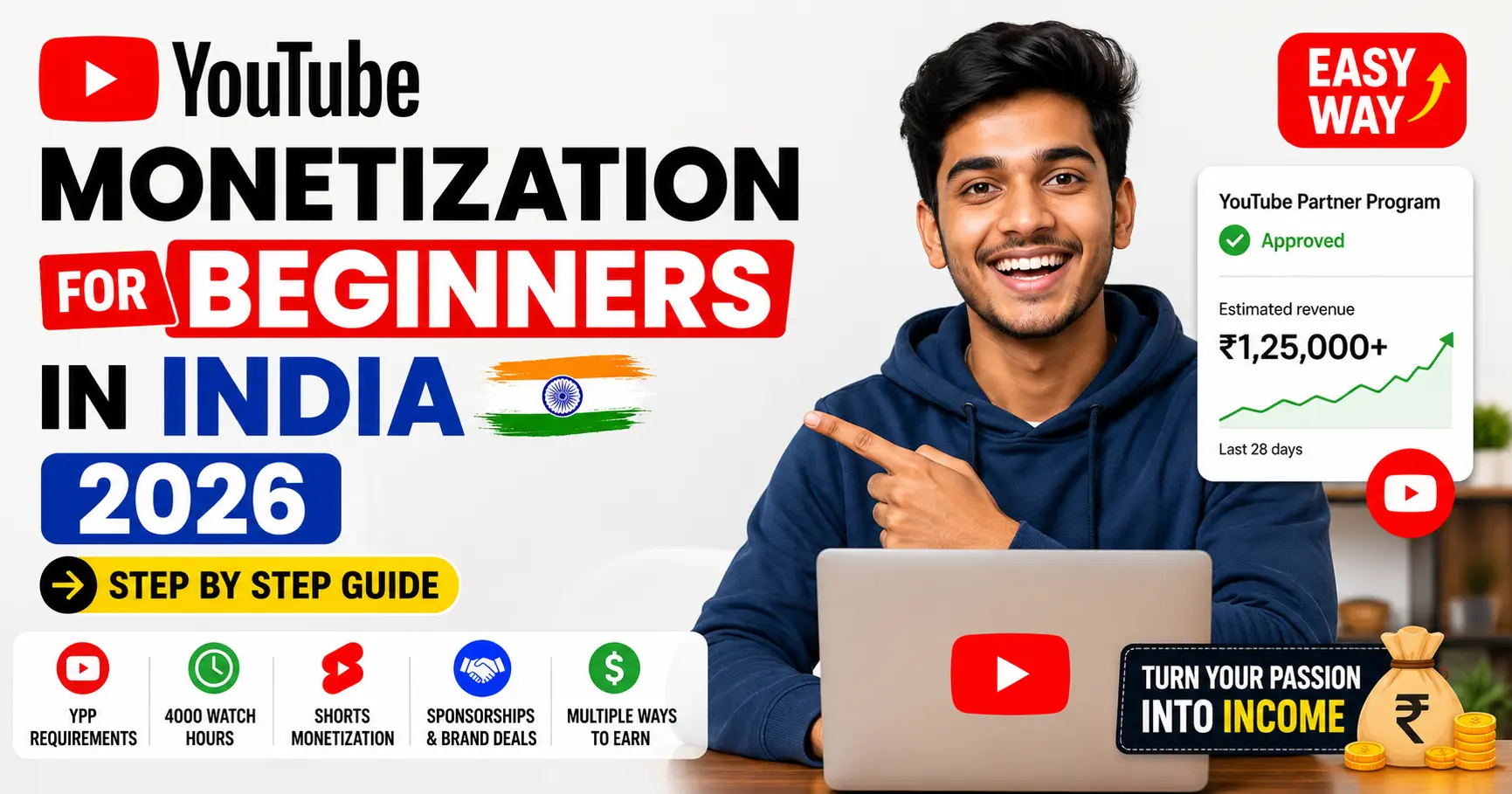
If you are an Indian creator wondering how to monetize your YouTube channel in 2026, you are not alone. India is one of the fastest growing YouTube markets in the world, with millions of new creators starting channels every year. But getting monetized in India is not always straightforward and most beginners make avoidable mistakes that delay their approval by months. No worries we brought complete roadmap of YouTube Monetization for Beginners in India.
This complete step by step guide covers everything you need to know as a beginner in India: the exact YouTube Partner Program requirements in 2026, how to apply, how long approval takes, how much you can earn, and how to grow your income beyond ad revenue.
Whether you are just starting your channel today or you are sitting at 500 subscribers wondering what comes next this guide will give you a clear, honest roadmap to your first monetization approval.
What Is YouTube Monetization and Why It Matters for Indian Creators
YouTube monetization means earning money from the content you upload to YouTube. Once your channel is approved for the YouTube Partner Program (YPP), YouTube places ads on your videos and shares a portion of that ad revenue with you.
But ad revenue is just one stream. Monetized channels in India can also earn through:
Ad revenue:the primary income for most creators
Channel memberships: fans pay a monthly fee for exclusive perks
Super Chat and Super Stickers: viewers pay during live streams
YouTube Shopping: earn commissions by tagging products in videos
YouTube Premium revenue: share of subscription fees from Premium viewers
Sponsorships: brand deals independent of YouTube’s system
For Indian creators specifically, monetization is significant because it validates your channel in the eyes of brands and opens doors to sponsorship deals even beyond YouTube’s own payment system.
YouTube Monetization Requirements in India 2026
To join the YouTube Partner Program in India, your channel must meet the following criteria:
Standard YPP Requirements (Long Form Videos)
Requirement
Threshold
Subscribers
1,000
Watch Hours (last 12 months)
4,000 hours
Community Guidelines strikes
Zero active strikes
AdSense account
Linked and approved
Channel type
Not set to “Made for Kids”
Content
Original and advertiser-friendly
Alternative Path via YouTube Shorts
Requirement
Threshold
Subscribers
1,000
Shorts Views (last 90 days)
10 million views
New 2026 Rules Indian Creators Must Know
Originality is now strictly enforced. YouTube’s automated systems in 2026 are significantly better at detecting reused content compilations without commentary, reuploaded videos, slideshows with stock footage, and AI-generated videos with no human creative input are being rejected or demonetized at higher rates than ever before.
AI content disclosure is mandatory. If you use AI tools to generate realistic scenes or voices, you must disclose this in YouTube Studio under the “Altered Content” label. Failure to disclose can lead to application rejection.
The 6 month activity rule applies. If your channel becomes inactive for six consecutive months after being monetized, YouTube reserves the right to remove monetization access.
Indian specific note: Indian channels follow the same global YPP thresholds. However, lower CPMs, mobile-heavy traffic, and content that is primarily in regional languages can affect your earnings after approval. Your approval process itself follows the same rules as any other country.
Does YouTube Shorts Watch Time Count Toward Monetization?
This is one of the most searched questions by Indian beginners in 2026 and the answer is more nuanced than a simple yes or no.
Short answer: Shorts views count toward monetization only through the Shorts-specific path, not toward the 4,000 watch hours requirement for long form videos.
Here is exactly how it works:
Path 1: Long Form Videos:
Your 4,000 watch hours must come from long-form videos (videos over 60 seconds)
Watch time from YouTube Shorts does NOT count toward this 4,000 hour requirement
This is the most common path for Indian creators
Path 2: YouTube Shorts:
Instead of 4,000 watch hours, you can qualify with 10 million Shorts views in the last 90 days
This is the Shorts specific YPP path
Shorts views only count toward this separate Shorts threshold, not the long-form threshold
What this means for you as a beginner: If you are posting both long form videos and Shorts, your Shorts views will not help you reach the 4,000 watch hour goal. You need to focus on watch time from longer videos for the standard path.
Step by Step: How to Apply for YouTube Partner Program in India
Once you meet the requirements above, follow these exact steps to apply:
Step 1: Check Your Eligibility
Open YouTube Studio (studio.youtube.com)
Click Earn in the left sidebar
You will see your current progress toward YPP thresholds
All requirements must show as met before you can apply
Step 2: Review YouTube’s Policies
Before applying, review:
YouTube Partner Program policies
Community Guidelines
Advertiser-Friendly Content Guidelines
A single policy violation can cause rejection. Reading these takes 20 minutes and saves months of delay.
Step 3: Set Up Google AdSense
Go to Earn tab in YouTube Studio
Click Start under the AdSense section
You will be redirected to AdSense
Create a new AdSense account using your Google account
Enter your name, address, and bank details exactly as they appear on official documents
Submit for AdSense approval
Important for Indian creators: Your AdSense payment address must match your PAN card details. Mismatch is a common reason for payout delays in India.
Step 4: Submit Your YPP Application
Return to YouTube Studio → Earn
Once AdSense is linked and requirements are met, click Apply Now
Review and accept the YouTube Partner Program Terms
Submit your application
Step 5: Wait for Review
YouTube will review your entire channel not just recent videos. They check:
Content originality across all uploaded videos
Consistency with Community Guidelines
Advertiser friendliness of your content
Channel authenticity (real audience, not purchased subscribers)
How Long Does YouTube Monetization Approval Take?
YouTube’s standard review time for YPP applications is 30 days. However, for Indian creators in 2026, actual timelines vary:
Scenario
Expected Timeline
Standard review, clean channel
15 to 30 days
Manual review triggered
30 to 60 days
Resubmission after rejection
Additional 30 days per attempt
AdSense delays (common in India)
Can add 2 to 4 weeks
Why Indian channels sometimes take longer:
High volume of applications from India means review queues are longer
Channels with regional language content sometimes require specialized reviewers
AdSense address verification by post (PIN verification) adds time typically 2 to 4 weeks for Indian addresses
What to do while waiting:
Keep uploading consistently inactive channels during review can raise flags
Do not delete or edit videos under review
Do not make drastic changes to your channel
How to Check If Your YouTube Channel Is Monetized
After submitting your application, there are multiple ways to check your monetization status:
Method 1: YouTube Studio (Most Reliable)
Go to studio.youtube.com
Click Earn in the left menu
Your status will show one of these:
“Welcome to the YouTube Partner Program” Approved
“Application under review” Still being reviewed
“Didn’t approve your application” Rejected
Method 2: Email Notification
YouTube sends an email to your registered Gmail account when a decision is made. Check your promotions and spam folder if you do not see it in your inbox.
Method 3: Check Monetization on Individual Videos
In YouTube Studio, go to Content
Click on any video
Scroll to Monetization section
If it shows ad types enabled, your channel is monetized
Method 4: Check Someone Else’s Channel
If you want to check whether another YouTube channel is monetized (for competitive research or brand partnerships), you can look for:
Ads playing before their videos
A “Join” button on their channel (indicates channel memberships are active)
Super Chat enabled during their live streams
For a full walkthrough with screenshots: Read our dedicated guide on How to Check If a YouTube Channel Is Monetized — covers checking your own channel and checking competitor channels using free tools.
How Much Money Can Indian YouTubers Earn After Monetization?
Earnings vary significantly by niche, audience location, and content type. Here are realistic figures for Indian creators in 2026:
CPM and RPM for Indian Creators
Niche
Typical CPM (India audience)
Typical RPM
Finance / Investment
₹300 to ₹2,500
₹150 to ₹1,200
Technology / Gadgets
₹200 to ₹800
₹100 to ₹400
Education / Competitive Exams
₹150 to ₹600
₹75 to ₹300
Entertainment / Comedy
₹50 to ₹200
₹25 to ₹100
Vlogs / Lifestyle
₹50 to ₹150
₹25 to ₹75
YouTube Tips / Creator Economy
₹100 to ₹400
₹50 to ₹200
CPM = Cost per 1,000 ad impressions (what advertisers pay) RPM = Revenue per 1,000 views (what you actually receive after YouTube’s 45% share)
Why Indian CPMs Are Lower Than Western Markets
India has a mobile heavy audience. Mobile ads generally pay less than desktop ads. Additionally, advertisers in India bid lower per impression than advertisers targeting US or European audiences. This is why many successful Indian creators optimize their content for international audiences or diversify into sponsorships and affiliate income.
Realistic Monthly Earnings Estimate
Monthly Views
Finance Niche RPM ₹400
Entertainment Niche RPM ₹75
50,000 views
₹20,000
₹3,750
1,00,000 views
₹40,000
₹7,500
5,00,000 views
₹2,00,000
₹37,500
These are estimates. Actual earnings depend on audience retention, ad types enabled, and seasonal advertiser spending (Q4 typically pays highest CPMs).
How to Earn More Beyond Ad Revenue: Sponsorships for Small Channels
Ad revenue alone is rarely enough for Indian creators, especially in early stages. Sponsorships are one of the most powerful income streams available and you do not need 1 million subscribers to get them.
What Brands Look for in Small Indian Channels
Niche relevance: a 5,000 subscriber cooking channel is more valuable to a cookware brand than a 50,000 subscriber general entertainment channel
Engagement rate: comments, likes, and shares matter more than raw subscribers
Audience demographics: age, location, and spending power of your viewers
Content quality: production value and consistency signal professionalism
Types of Sponsorship Deals Available to Small Channels
Integration deals: Brand is mentioned within your regular video content. Typically 60 to 90 seconds. Most common for channels under 50,000 subscribers in India.
Dedicated video deals: Entire video is about the brand or product. Higher pay but requires larger audiences.
Affiliate partnerships: You earn a commission for every sale made through your unique link or code. Works well even with small audiences in high purchase intent niches.
Free product deals: Brand sends products in exchange for a review. Good for beginners to build a portfolio of brand collaborations.
Realistic Sponsorship Rates for Indian Creators
Channel Size
Integration Deal Rate
1,000 to 5,000 subscribers
₹500 to ₹3,000 per video
5,000 to 20,000 subscribers
₹3,000 to ₹10,000 per video
20,000 to 1,00,000 subscribers
₹10,000 to ₹50,000 per video
1,00,000+ subscribers
₹50,000 to ₹5,00,000+ per video
Want the complete sponsorship playbook? Read our full guide: YouTube Sponsorship for Small Channels: The Ultimate Guide 2026 — covers how to find brands, what to charge, how to write outreach emails, and how to negotiate your first deal even with under 5,000 subscribers.
Common Reasons YouTube Monetization Gets Rejected in India
Understanding why applications get rejected is just as important as knowing how to apply. These are the most common rejection reasons for Indian creators in 2026:
Reused or non original content: Compilations, reuploaded content, and videos that consist primarily of clips from other creators without substantial commentary are the number one rejection reason. YouTube’s detection systems improved significantly in 2025 and 2026.
Purchased subscribers or watch hours: If YouTube detects artificial inflation of your metrics through paid services that are common in India your application will be rejected and your channel may receive a strike.
Misleading thumbnails or titles (clickbait): Thumbnails that misrepresent the content of the video are a violation of advertiser-friendly guidelines.
Community Guidelines violations: Even old videos with violations count against your application. Review your entire back catalog before applying.
AdSense account issues: In India, AdSense account name mismatches with PAN details, incorrect bank information, or using a shared AdSense account are common causes of payout blocks and application problems.
Insufficient content: Channels with very few videos or very little total watch time sometimes get rejected even if they technically meet the subscriber and hour thresholds. YouTube looks at overall channel health.
AI-generated content without disclosure: Channels using AI tools for video creation without proper disclosure in YouTube Studio are increasingly being flagged and rejected in 2026.
Tips to Reach Monetization Faster as a Beginner in India
Focus on Watch Time Not Subscribers
Getting to 4,000 watch hours is usually harder than getting to 1,000 subscribers for Indian creators. Prioritize content that keeps viewers watching longer:
Tutorials and how-to videos have naturally higher watch time than entertainment clips
Longer videos (8 to 15 minutes) accumulate watch hours faster than short videos
Use strong hooks in the first 30 seconds to reduce early drop-off
Pick a Niche With High Search Volume in India
Some of the highest watch time niches for Indian beginners:
These niches have large, loyal audiences with high watch time per session.
Post Consistently Minimum 2 Videos Per Week
Consistency signals channel health to YouTube’s algorithm and compounds watch hour accumulation faster than sporadic uploading.
Use YouTube Analytics to Find Your Best Performing Content
In YouTube Studio, go to Analytics → Content and sort by watch time (not views). Double down on the video topics and formats that are already generating the most watch hours.
Promote Your Videos in Indian Creator Communities
Share videos in relevant WhatsApp groups and Telegram channels
Post in niche Facebook groups where your audience spends time
Answer questions on Quora with a link back to your video
Reddit communities like r/NewTubers and r/IndianYouTubers
Do Not Buy Subscribers or Watch Hours
Services offering to sell subscribers and watch hours are common in India and are a complete waste of money. YouTube detects artificial activity and will reject your monetization application. Worse, your channel can receive a permanent strike.
Frequently Asked Questions
Can I apply for YPP if my channel has content in Hindi or a regional Indian language?
Yes. Language is not a barrier to YPP eligibility. YouTube supports creators in all Indian languages. Hindi, Tamil, Telugu, Marathi, and other regional language channels are fully eligible.
Do YouTube Shorts watch hours count toward the 4,000 hour requirement?
No. Shorts views accumulate separately and only count toward the alternative Shorts path (10 million views in 90 days). They do not count toward your 4,000 long-form watch hour goal. Read our full breakdown: Does YouTube Shorts Watch Time Count Toward Monetization?
How much does a YouTube channel with 1,000 subscribers earn per month in India?
At 1,000 subscribers you have just qualified for YPP, but earnings depend entirely on your monthly views. A channel earning 50,000 views per month in a mid-tier niche might earn ₹2,000 to ₹8,000 per month from ads. Sponsorships can add significantly more even at this stage.
Can I check if my channel is monetized before the approval email arrives?
What are the new 2026 YouTube monetization rules I need to know?
The biggest 2026 changes are stricter enforcement of content originality, mandatory AI content disclosure, and the 6 month activity requirement. Read our full article: YouTube Monetization Requirements 2026: What Actually Changed for every policy update.
How long does monetization approval take in India?
Standard review is 30 days but can extend to 60 days for manual reviews. AdSense PIN verification by post adds 2 to 4 weeks for Indian addresses. Plan for 45 to 60 days total from application to first payout eligibility.
Is YouTube monetization worth it for small Indian channels?
Ad revenue alone is small for channels under 100,000 views per month. But monetization approval itself is a milestone that opens doors to brand sponsorships, affiliate deals, and channel memberships. Combined income streams make it very much worth pursuing.
What is the minimum age to apply for YouTube monetization in India?
You must be at least 18 years old to create an AdSense account independently. Creators under 18 can participate through a parent or legal guardian’s AdSense account.
Final Thoughts
Getting monetized on YouTube in India in 2026 requires patience, original content, and a clear understanding of the YouTube Partner Program requirements. The thresholds 1,000 subscribers and 4,000 watch hours are achievable for any creator who posts consistently and understands what YouTube is looking for.
The creators who succeed are not necessarily the most talented or the most technically perfect. They are the ones who stay consistent, choose the right niche, avoid shortcuts like purchased subscribers, and build genuine audiences over time.
Use this guide as your reference at every stage of your monetization journey. Bookmark it, revisit it when you hit each milestone, and use the linked deep-dive articles to go further on each specific topic.
Your first monetization approval is closer than you think.
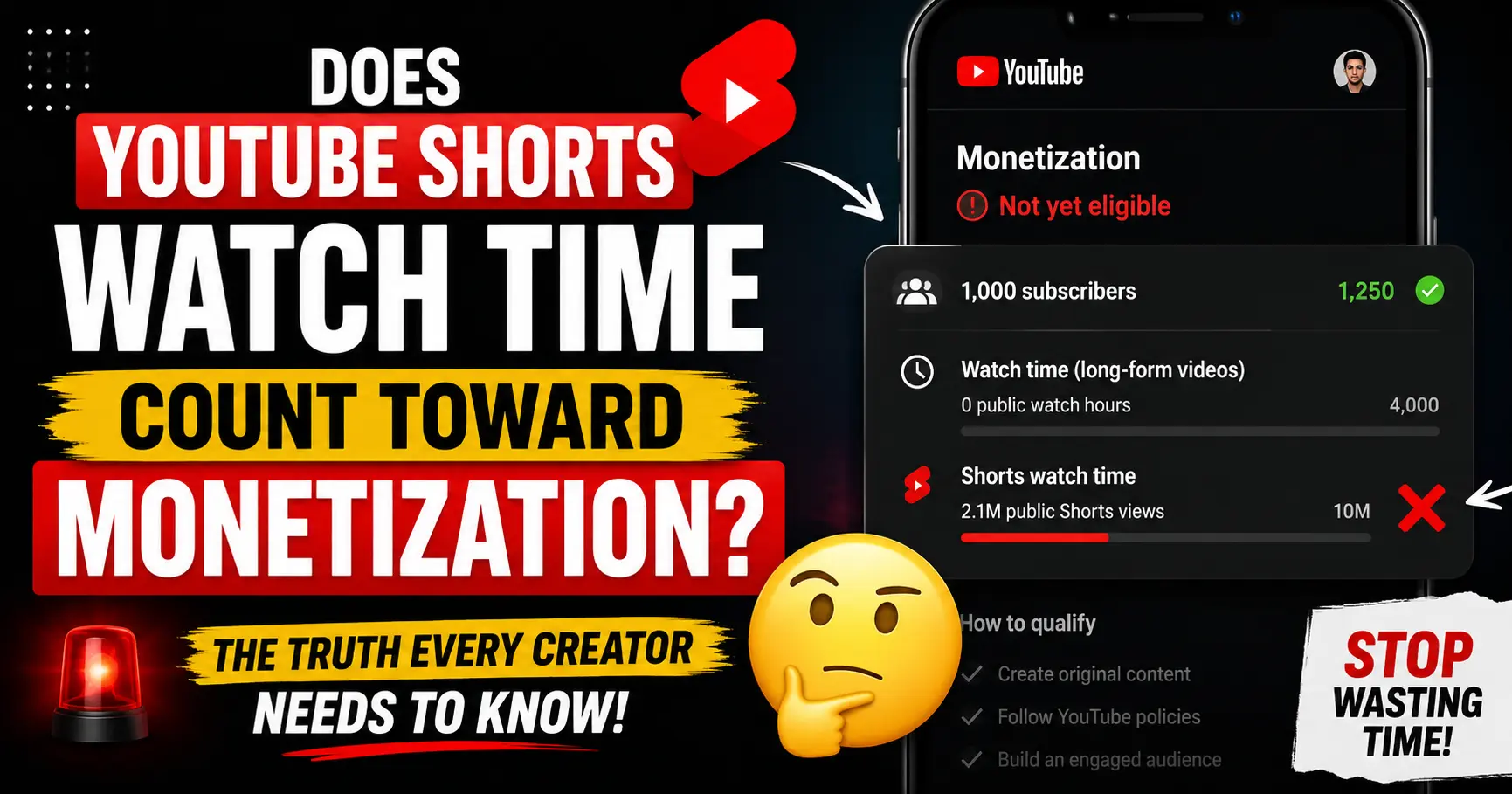
If you’ve been grinding out YouTube Shorts hoping they’re quietly building your way to the 4,000 hour watch time goal stop. They’re not.
The answer is : No. YouTube Shorts watch time does not count toward the 4,000 public watch hours required for monetization. This is confirmed directly in YouTube’s official Partner Program documentation, and it’s one of the most common and costly misconceptions creators carry for months before realizing they’ve been chasing the wrong metric.
But that’s only half the story. Shorts do count toward monetization just in a completely different way, on a completely separate path. Understanding exactly how that works could change your entire content strategy.
This guide breaks it all down: what counts, what doesn’t, the one exception most creators don’t know about, and how to use Shorts smartly to reach monetization faster.
Does YouTube Shorts watch time count toward monetization?
No: with one narrow exception covered below.
Watch time accumulated from Shorts viewed in the Shorts Feed does not count toward the 4,000 public watch hours required to join the YouTube Partner Program (YPP). This is YouTube’s official position, confirmed by their Team YouTube Community Manager and clearly stated in their Partner Program documentation.
Even though your Shorts watch time appears inside your total watch time figure in YouTube Analytics, that number is misleading. YouTube Analytics shows you combined totals but only long form watch hours are eligible toward the 4,000 hour monetization threshold.
Here’s the confusion in a nutshell:
What you see in YouTube Analytics
What actually counts toward YPP
Total watch time (long-form + Shorts combined)
Long-form public watch hours only
Shorts views in the Shorts Feed
❌ Does not count toward 4,000 hours
Shorts watch time
❌ Does not count toward 4,000 hours
Public long-form video watch time
✅ Counts toward 4,000 hours
Public live stream watch time
✅ Counts toward 4,000 hours
This is why many creators look at their Analytics and feel confident they’re making progress, then apply for YPP only to get rejected their eligible watch hours are far below what they believed.
Why Shorts Watch Time Doesn’t Count Toward 4,000 Hours
YouTube designed Shorts and long form videos as completely separate ecosystems with separate monetization paths. The reasoning behind this is straightforward when you understand how each format generates revenue.
Long form videos earn money through pre roll, mid roll, and post roll ads placed around the video. The more time a viewer spends watching, the more ad slots YouTube can serve. Watch time is a direct proxy for ad revenue potential which is why YouTube uses it as the monetization threshold.
Shorts work differently. Ads aren’t placed inside individual Shorts. Instead, YouTube places ads between videos in the Shorts Feed and pools all that revenue together. YouTube then distributes a share of that pool to creators based on their proportion of total Shorts views. Because the ad mechanism is completely different, watch time is irrelevant views are what matter.
This means YouTube is measuring fundamentally different things for each format. Mixing them into one threshold wouldn’t make sense from a revenue perspective, which is why YouTube explicitly keeps the metrics separate and why Shorts watch time has never counted toward the 4,000 hour requirement.
The One Exception: When Shorts Watch Time Does Count
Here’s the nuance that almost nobody talks about, and it’s technically accurate: Shorts viewed outside the Shorts Feed do count toward your public watch hours.
If a viewer watches your Short from:
Your channel page on desktop or mobile
A YouTube search result (where they clicked your Short directly)
A playlist that includes your Short
YouTube TV or an embedded player outside the Shorts Feed
A direct link shared from outside the app
…that watch time technically registers as public watch hours.
However and this is the critical point the vast majority of Shorts views come from the Shorts Feed, not from channel pages or search results. For most creators, this exception accounts for a tiny fraction of total Shorts views. You cannot reliably plan your monetization strategy around it.
Bottom line: Don’t count on this exception. Treat Shorts watch time as zero contribution toward your 4,000-hour goal. Build your long form strategy to reach that milestone.
What Shorts DO Count Toward
Even though Shorts watch time doesn’t contribute to the 4,000 hour threshold, Shorts are not useless for monetization. They contribute meaningfully to several things that do matter:
Shorts views count toward the Shorts monetization path
YouTube has a completely separate path to full YPP that uses Shorts views instead of watch hours. More on this in the next section.
Subscribers gained from Shorts count toward your 1,000 subscriber goal
This is important. When someone discovers your channel through the Shorts Feed and hits Subscribe, that subscriber counts fully toward your 1,000 subscriber requirement the same as if they had subscribed after watching a long-form video. Shorts are one of the fastest ways to grow subscribers because of their reach in the feed.
Shorts views count toward the Tier 1 (fan funding) path
At 3 million Shorts views in 90 days (plus 500 subscribers and 3 public videos), you qualify for the Expanded YPP tier which unlocks Super Thanks, Super Chat, Super Stickers, and Channel Memberships. You can start earning from your audience before hitting the full 1,000 subscriber threshold.
Shorts drive traffic to long form videos
This is the smartest indirect use of Shorts. A viewer who finds you through a Short and clicks through to your long form content generates watch hours that do count. Shorts serve as a discovery engine that feeds eligible watch time into your long form channel.
The Shorts Only Monetization Path Explained
If your content is primarily Shorts, you don’t have to abandon them to get monetized. YouTube built a dedicated monetization track just for Shorts creators. Here’s how the two tier system works for Shorts :
Tier 1: Fan Funding (Early Access)
Requirements:
500 subscribers
3 public videos uploaded in the last 90 days
3 million valid public Shorts views in the last 90 days (OR 3,000 watch hours on long-form in 12 months)
What you unlock: Super Thanks, Super Chat, Super Stickers, Channel Memberships, YouTube Shopping affiliate. No ad revenue yet.
Tier 2: Full Monetization (Ad Revenue)
Requirements:
1,000 subscribers
10 million valid public Shorts views in the last 90 days (OR 4,000 watch hours on long-form in 12 months)
What you unlock: Everything in Tier 1, plus ad revenue sharing from the Shorts revenue pool. You keep 45% of your allocated Shorts ad revenue.
How Shorts ad revenue works once you’re in
YouTube pools all ad revenue generated from ads shown between Shorts in the feed. It deducts music licensing costs first, then splits the remaining pool between creators based on each creator’s share of total eligible Shorts views. You keep 45% of your allocated portion.
Typical Shorts RPM (revenue per 1,000 views) ranges from $0.01 to $0.06, which is significantly lower than long-form RPM ($1–$10+). This is why most creators who earn meaningfully from Shorts also have brand deals, channel memberships, or long-form content stacked on top ads alone rarely build a livable income from Shorts.
Important: you must enable the Shorts Monetization Module
Being accepted into YPP doesn’t automatically turn on Shorts monetization. You need to go to YouTube Studio → Monetization → Shorts Monetization Module and enable it explicitly. Many creators get accepted into YPP and leave Shorts revenue unclaimed for months without realizing it.
What Are “Valid Public Shorts Views”?
YouTube uses the phrase “valid public Shorts views” in its official documentation, and it matters not all views count equally.
Valid Shorts views include:
Views from real users watching your Short in the Shorts Feed
Views from viewers who watched your Short through search or your channel page
Views on publicly set Shorts only
Views that do not count as valid:
Views from private or unlisted Shorts
Views from deleted Shorts
Views generated by bots, spam accounts, or view-buying services
Views from your own repeated watching
YouTube audits view validity during your YPP application review. Channels that appear to have inflated Shorts views through artificial means are rejected, and in repeat cases, can be permanently banned from the Partner Program.
Shorts Subscribers: Do They Count Toward Your 1,000 Goal?
Yes – fully.
Subscribers gained from the Shorts Feed count toward your 1,000 subscriber requirement exactly the same as subscribers from long form videos. Whether someone subscribes after watching a Short or after watching a 20-minute tutorial, that subscriber counts the same way.
This is the most strategically valuable thing about Shorts for new creators. Shorts reach far beyond your existing audience because the Shorts Feed algorithm surfaces content to non subscribers. A well performing Short can gain hundreds of subscribers in 24-48 hours progress that directly advances your YPP eligibility.
Both public and private subscriptions count toward your goal. You can’t see who your private subscribers are unless they interact through comments or live chat, but their subscription counts all the same.
The Smart Strategy: Using Shorts to Hit Monetization Faster
Given everything above, here’s how to use Shorts intelligently as part of a monetization strategy whether you’re going the long-form route, the Shorts-only route, or a hybrid.
If you want to monetize primarily through long form ad revenue, your watch hour goal must be built entirely on public long-form video watch time. Shorts won’t move that needle.
But Shorts can still help you get there faster in two ways:
1. Use Shorts to grow subscribers fast. Reaching 1,000 subscribers is often the harder milestone for new channels. Shorts can compress that timeline dramatically by reaching new audiences who wouldn’t have found you through search or suggested videos alone.
2. Use Shorts as a funnel into long form content. Post a Short that teases or excerpts a longer video, then include a clear call to action: “Full video on my channel.” Viewers who click through and watch your long form content generate the watch hours you need. A 20-minute video watched fully by 100 people from one Short equals 33 hours in a single day.
Strategy B: Shorts only focus (targeting 10 million views)
If you’re a Shorts first creator, you need 10 million valid public Shorts views in 90 days for full monetization. That’s roughly 111,000 views per day.
That sounds enormous, but Shorts can go viral at a scale long-form videos rarely do. The key is:
Post daily, or close to it. Frequency directly increases your chances of a breakout video. Three Shorts per week rarely hits the threshold; daily or twice-daily posting gives you more surface area.
Hook in the first 1–2 seconds. The Shorts Feed is ruthless. The swipe-away rate in the first two seconds determines whether the algorithm distributes your Short further. Front-load the most interesting moment.
Keep completion rate above 80%. YouTube’s algorithm prioritizes Shorts that viewers watch completely. Shorter Shorts (15–30 seconds) tend to have higher completion rates than 60-second ones.
Use keywords in your title and description. Shorts now appear in YouTube search results. Optimized titles get found. Use Toolbil’s free YouTube Tag Generator to build a keyword strategy for your Shorts content.
Strategy C: Hybrid (fastest overall path)
Many creators find the hybrid approach fastest. Post Shorts consistently to grow subscribers and aim for the Tier 1 threshold (3 million views). While doing that, post long-form videos at least once or twice a week to accumulate watch hours in parallel. The subscriber growth from Shorts accelerates the long form path, and the watch hours from long-form protect you if your Shorts views slow down.
How to Track Your Watch Hours and Shorts Views in YouTube Studio
This is where many creators get tricked by their own data. YouTube Analytics combines everything which can make your progress look better or worse than it really is.
How to see only your eligible long-form watch hours
Set the date range to Last 365 days (the watch hour window is rolling 12 months)
Look at the Watch time card — but note this includes all content types
To filter long-form only:
Go to Analytics → Content tab
Filter by Video type: Videos (deselect Shorts and Live)
The watch time shown is now your YPP-eligible long-form watch hours
How to see your Shorts views for the monetization threshold
Go to Analytics → Content tab
Set date range to Last 90 days
Filter by Video type: Shorts
Check total Views — this is your Shorts view count against the 3M or 10M threshold
How to see your monetization progress
Go to YouTube Studio → Earn (or Monetization) in the left menu. YouTube shows you a progress bar for both your subscriber count and your watch hours/Shorts views with exact current figures.
How to check any channel’s monetization status instantly
Want to know if a competitor is already monetized or if your own channel is showing as monetized to the outside world? Use Toolbil’s free YouTube Monetization Checker. Enter any public channel name or URL. You’ll see their monetization status, estimated monthly earnings, CPM, subscriber count, and total views no account required.
Frequently Asked Questions
Does YouTube Shorts watch time count toward monetization?
Watch time from Shorts viewed in the Shorts Feed does not count toward the 4,000 public watch hours required for the YouTube Partner Program. Shorts have a completely separate monetization path based on views, not watch time.
Do Shorts count toward the 4,000-hour watch time requirement at all?
Only in a very narrow case: if a viewer watches your Short from your channel page, a search result, a playlist, or embedded outside YouTube, that watch time technically counts. However, the overwhelming majority of Shorts views come from the Shorts Feed where they don’t count. Do not build your strategy around this exception.
What does count toward the 4,000 hour watch time requirement?
Public long-form video watch time and public live stream watch time (including VOD replays) accumulated in the past 12 months.
Do subscribers from Shorts count toward the 1,000 subscriber goal?
Yes -fully. Subscribers gained from the Shorts Feed count exactly the same as subscribers from long-form videos.
Can I get monetized with only Shorts videos?
Yes. If you reach 1,000 subscribers and 10 million valid public Shorts views in the past 90 days, you qualify for full YPP without any long-form content at all.
How many Shorts views do I need to get monetized?
For full ad revenue (Tier 2): 10 million valid public Shorts views in the last 90 days. For fan funding access only (Tier 1): 3 million valid public Shorts views in the last 90 days.
How much does YouTube pay per 1,000 Shorts views?
Typically $0.01 to $0.06 per 1,000 views (RPM). Shorts ad revenue is significantly lower than long-form video RPM ($1–$10+), which is why most successful Shorts creators stack Shorts with other revenue streams like brand deals, memberships, and long form content.
Does watch time from private Shorts count?
No. Watch time and views from private or unlisted videos of any type do not count toward monetization thresholds.
If I upload a Short and then change it to private, do I lose those watch hours or views?
Yes. The moment a video is set to private or unlisted, YouTube removes its watch hours and views from your YPP eligibility metrics.
Do Shorts views that come from embedded videos outside YouTube count?
If the Short is embedded outside the Shorts Feed such as on a website or shared via direct link those views may count toward your public watch hours, but they typically don’t count toward the Shorts view threshold used for the Shorts monetization path.
Why does my YouTube Analytics show more watch hours than my YPP progress tracker?
Because YouTube Analytics shows your combined total watch time across all video types (long-form, Shorts, and live streams), while the YPP progress tracker only counts eligible long form public watch hours. Filter your Analytics to long-form videos only and set the date range to the last 365 days to see your true eligible count.
Summary: What You Need to Know
Shorts watch time from the Shorts Feed → does NOT count toward 4,000 hours.
Subscribers from Shorts → DO count toward 1,000 subscribers.
Shorts views → count toward the separate Shorts path (3M for fan funding, 10M for full ad revenue).
Shorts viewed from channel pages or search → technically count, but it’s a tiny fraction. Don’t plan around it.
If you’re going the long form route, treat Shorts as a subscriber growth and funnel tool not as a watch hour builder. If you’re going Shorts only, aim for 10 million views in 90 days and enable the Shorts Monetization Module the moment you get accepted.
Ready to see where you actually stand? Check your channel or any channel you’re curious about instantly with Toolbil’s free YouTube Monetization Checker. No login. No cost.
Sources: YouTube Help Center (Partner Program overview & eligibility), YouTube’s official channel monetization policies, Team YouTube community clarification (October 2025), YouTube Creator Academy. Verified May 2026.
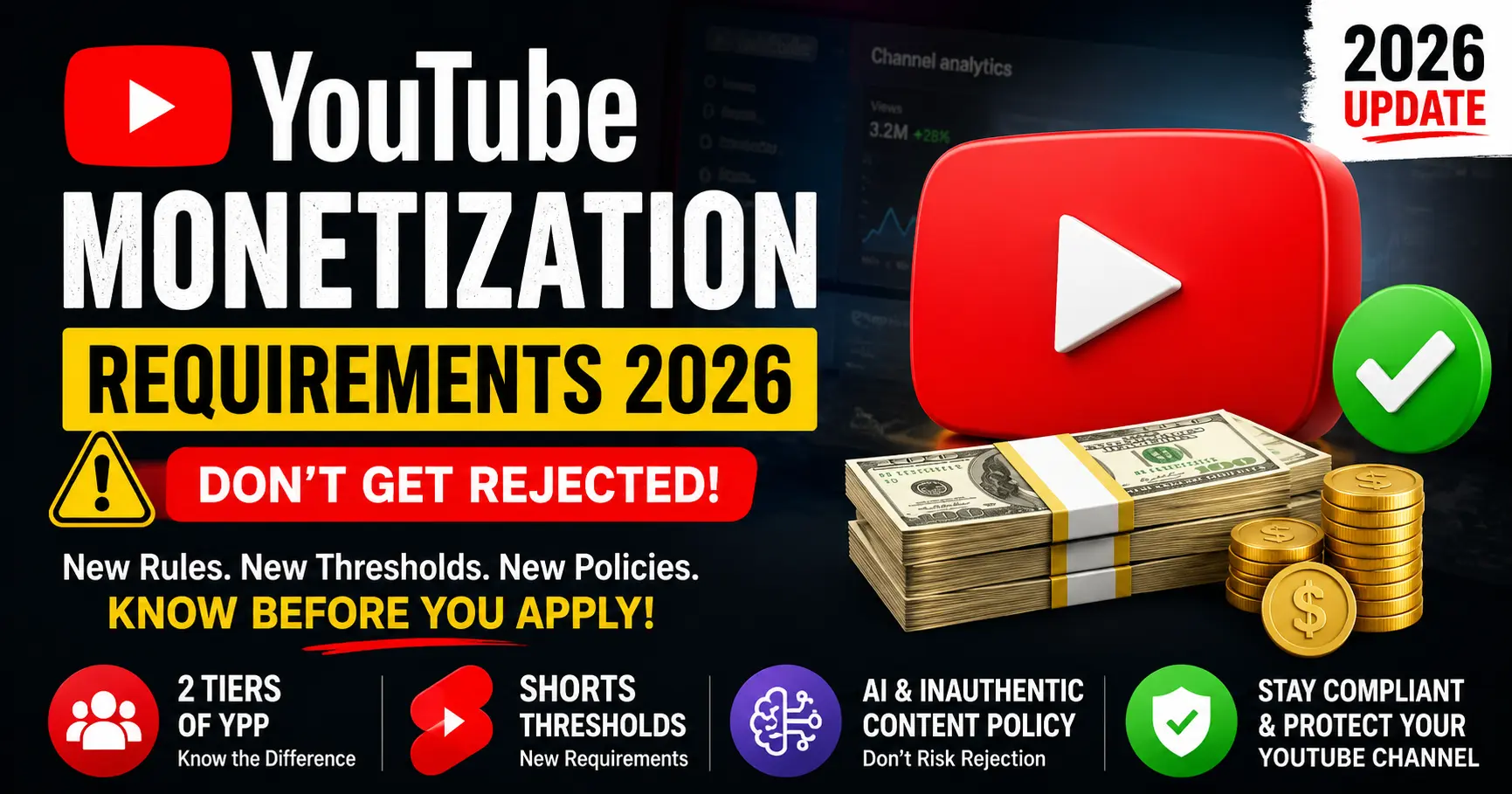
If you’ve been Googling “YouTube monetization requirements 2026” you’ve probably found a dozen articles that paste the same old checklist and call it a day. This isn’t that.
In this guide, we break down exactly what changed, what stayed the same, what the two tier system actually means for small creators, and what the new “inauthentic content” crackdown means for your channel right now. We’ll also show you how to check any channel’s monetization status instantly for free.
The Quick Answer: YouTube Monetization Requirements 2026
There are now two tiers to the YouTube Partner Program (YPP). Here’s the fast version:
Requirement
Tier 1 (Fan Funding)
Tier 2 (Full Ad Revenue)
Subscribers
500
1,000
Public videos (last 90 days)
3
No minimum
Watch hours (12 months)
3,000
4,000
OR Shorts views (90 days)
3 million
10 million
AdSense account
✅ Required
✅ Required
2-step verification
✅ Required
✅ Required
Community Guidelines strikes
Zero active strikes
Zero active strikes
Eligible country
✅ Required
✅ Required
What Tier 1 unlocks: Super Chats, Super Thanks, Super Stickers, Channel Memberships, YouTube Shopping affiliate. No ad revenue yet.
What Tier 2 unlocks: Everything above, plus full ad revenue sharing (55% on long-form, 45% on Shorts), and YouTube Premium revenue.
Now let’s get into what actually changed.
What Actually Changed from 2025 to 2026
Most creators asking this question want to know: is it harder or easier to get monetized now? The honest answer is: both, depending on what type of creator you are.
Here are the three real changes that matter:
1. The two-tier system is now the default
This wasn’t new in 2026 YouTube started rolling it out in 2023 but by 2026, the expanded Tier 1 (500 subscribers) is fully available across most eligible countries. If you haven’t heard about it, this is the biggest thing you’ve been missing. Smaller channels can now earn through fan funding features before hitting the 1,000-subscriber threshold.
2. “Repetitious content” was renamed to “inauthentic content” and it changed scope
On July 15, 2025, YouTube officially updated its monetization policy language. The policy formerly called “repetitious content” was renamed “inauthentic content” and expanded in scope. This change affects channels using mass produced, AI-generated, or low-effort content more broadly. We go into the full detail in its own section below it matters a lot.
3. AI content disclosure is now mandatory and enforced
If your content includes realistic synthetic or AI generated elements a voiceover, an AI reconstructed face, fake news style segments you must disclose it using YouTube Studio’s “Altered or synthetic content” toggle. YouTube began enforcing this in 2024 and tightened it further in 2026. Non-disclosure can result in demonetization or removal from YPP.
Tier 1 vs Tier 2: The Two-Door System Explained
Think of YouTube’s Partner Program like a club with two entrances. The first door is easier to unlock and gets you inside with limited access. The second door opens the full experience.
Tier 1: The Early Access Door (500 Subscribers)
To get through this door, you need:
500 subscribers (public or private both count)
3 public videos uploaded in the last 90 days
3,000 valid public watch hours in the past 12 months, or3 million valid public Shorts views in the past 90 days
What you get: Super Chat, Super Stickers, Super Thanks (viewers can tip you during live streams and on videos), Channel Memberships, and YouTube Shopping affiliate access.
What you don’t get: ad revenue. That still requires Tier 2.
This tier is particularly valuable for creators who have a highly engaged, smaller audience. If your 600 subscribers are loyal fans willing to buy memberships or send Super Thanks during live streams, you can start generating real income before you hit 1,000 subs.
Tier 2: Full Monetization (1,000 Subscribers)
To earn from ads, you need:
1,000 subscribers
4,000 valid public watch hours in the past 12 months, or10 million valid public Shorts views in the past 90 days
A linked Google AdSense account
2-step verification enabled on your Google account
No active Community Guidelines strikes
Channel located in a YPP-eligible country (120+ countries as of 2026)
Once approved, YouTube pays you 55% of ad revenue on long-form videos and 45% of ad revenue on Shorts. You also earn a cut of YouTube Premium subscription fees when Premium members watch your content.
YouTube Shorts Monetization: A Completely Separate Path
This is where most creators get confused, and it’s important to get right.
Shorts watch time does not count toward the 4,000 hour requirement. Full stop. Even if your Shorts are racking up millions of views and hours of total watch time, none of it applies to the long-form watch hour threshold.
Shorts have their own completely separate eligibility path:
Tier 1 (fan funding): 3 million valid public Shorts views in the past 90 days
Tier 2 (full ad revenue): 10 million valid public Shorts views in the past 90 days
A channel that posts only Shorts and hits 10 million views in 90 days can qualify for full ad monetization without a single long-form video. Once approved, Shorts earnings come from a shared ad revenue pool YouTube takes out music licensing fees, then splits the remaining revenue, giving creators 45%.
One key phrase to understand: “valid public Shorts views.” Views from private videos, spam accounts, bots, or views generated through artificial means don’t count. YouTube audits these carefully at the application stage.
The “Inauthentic Content” Rule That’s Getting Channels Rejected
This is the single most important policy change you need to understand in 2026, and many creators aren’t aware of it until they get rejected.
Before July 15, 2025, YouTube called it “repetitious content.” The rename to “inauthentic content” wasn’t just cosmetic it expanded the definition of what qualifies.
What counts as inauthentic content?
According to YouTube’s official policy update, inauthentic content includes:
Mass-produced content: videos that are clearly templated or auto-generated at scale
AI-generated videos with no human value added: a voiceover over stock footage with no original commentary, perspective, or creativity
Content that reads out other sources: videos that simply narrate Wikipedia articles, news stories, or other text without adding anything original
Pitch or speed-modified songs: taking existing music and slightly altering it to avoid Content ID, then re uploading
Recycled clips: reuploading other creators’ content, even with permission, without substantial original additions
What is still allowed?
YouTube’s Creator Liaison Rene Ritchie clarified that reaction videos, commentary, clips with original narration, compilations with original editorial framing, and educational content using clips are all still eligible as long as you’ve added significant original value.
The key question YouTube asks: does this content bring something new, or is it a copy of something that already exists?
If your content would give the viewer no reason to choose your video over watching the original source, it likely won’t pass the review.
AI Content and Monetization: What YouTube Allows in 2026
YouTube’s stance on AI content is more nuanced than the headlines suggest. The platform does not ban AI-generated content. It bans deceptive and low value AI generated content.
What YouTube allows
Using AI to write, polish, or structure your script
AI generated thumbnails
AI tools for audio cleanup, noise removal, or enhancement
AI dubbing into other languages (YouTube itself provides this)
AI-assisted video editing
Using AI for research, topic generation, or SEO optimization
Voiceovers generated by AI as long as the content is original and disclosed
The distinction YouTube draws is assistance vs replacement. If you’re using AI to help you create something genuinely original, you’re fine. If AI is replacing the creative direction, editorial judgment, and originality entirely, that’s where you run into problems.
What gets you demonetized or rejected
AI-generated fake news style videos with no human fact checking
Deepfake videos where you haven’t clearly disclosed they’re synthetic
Mass uploaded AI content with identical structure, just different keywords swapped in
AI voiceovers on recycled clips from other platforms this is the combination that triggers the inauthentic content policy most often
The disclosure rule
If your video contains realistic synthetic content an AI generated face, an AI voice designed to sound like a real person, or AI reconstructed footage you must enable the “Altered or synthetic content” disclosure in YouTube Studio before publishing. This is mandatory and enforced. Missing it on a realistic AI segment isn’t a gray area anymore.
What Watch Hours Actually Count (Most Creators Get This Wrong)
The 4,000 watch hour requirement comes with conditions that aren’t always obvious.
Hours that count:
Watch time on public long form videos
Watch time from live streams (once the stream ends and is set to public)
Watch time accumulated in the past 12 months
Hours that do not count:
Shorts watch time (has a completely separate metric)
Watch time on private or unlisted videos
Watch time on deleted videos
Watch time older than 12 months
Watch time from spam or bot views
You can track your progress in YouTube Studio under Analytics → Overview → Watch time. The metric shown there is your total, so filter it to the last 365 days to see your eligible hours.
One often missed point: if you had 3,900 hours 13 months ago and barely posted since, those hours are rolling off your count. Watch hours are a rolling 12 month window, not a lifetime total.
Other Requirements You Can’t Ignore
Beyond subscribers and watch hours, YouTube checks several other factors during the review process.
Google AdSense account: You must create or link an existing AdSense account before applying. You can’t receive payments without one. If you already have an AdSense account from a blog or another YouTube channel, you can link the same one.
2-Step Verification: Your Google account must have two-step verification (2FA) enabled. This is a security requirement YouTube added to protect creator accounts and is a hard requirement your application won’t process without it.
Community Guidelines compliance: Zero active strikes. Even one active strike at the time of application is grounds for rejection. Expired strikes won’t block you, but active ones will.
Advertiser-friendly content: YouTube reviews whether your content is suitable for general advertiser placement. Consistently publishing content in restricted categories extreme violence, graphic content, controversial topics can result in rejection even if you technically meet the subscriber and watch hour thresholds.
Eligible country: YPP is available in 120+ countries as of 2026. If you’re in a country where YPP is not yet available, you cannot apply regardless of your metrics. Check YouTube’s official support page for the current country list.
Minimum 3 public videos (for Tier 1): You need at least 3 public videos uploaded in the last 90 days to qualify for the entry level tier. For Tier 2, there’s no minimum video count, but inactive channels take significantly longer to review.
You’ll see a progress tracker showing your subscriber count and watch hours against the thresholds
If you meet all requirements, an Apply Now button will appear
Once you apply, YouTube’s review typically takes 1 to 4 weeks, though it can extend during high-volume periods. You’ll receive an email when the decision is made.
Want to check whether a competitor channel is already monetized? You can do that instantly and for free using Toolbil’s YouTube Monetization Checker. Enter any public channel name or URL and see its monetization status, estimated monthly earnings, CPM, subscriber count, and total views — no login required.
Common Reasons YouTube Rejects YPP Applications
Meeting the subscriber and watch hour numbers doesn’t guarantee approval. YouTube manually reviews your channel before accepting you. Here are the most common rejection reasons:
1. Inauthentic or repetitious content. If a reviewer looks at your channel and sees videos that are clearly mass-produced, AI-generated without original value, or recycled from other sources, you’ll be rejected under the inauthentic content policy even if you technically hit 1,000 subscribers.
2. Insufficient content for review. Channels with very few public videos make it hard for YouTube to assess quality and consistency. More content = faster, smoother review.
3. Community Guidelines violations. Even old violations that didn’t result in strikes can flag your channel during review if they signal a pattern.
4. Advertiser unfriendly content themes. Channels that primarily cover content in YouTube’s restricted categories (tobacco, gambling, dangerous activities, controversial topics) face heightened scrutiny.
5. Clickbait thumbnails or titles. YouTube actively checks whether your titles and thumbnails accurately represent your content. Systematic mismatch between thumbnails and actual video content is a red flag.
6. Linked AdSense account issues. If your AdSense account has been previously suspended or has outstanding policy violations, your YouTube application may be blocked until it’s resolved.
If you get rejected, YouTube provides a rejection reason and allows you to reapply after 30 days. Use that time to address the specific issue flagged in the rejection notice — not just your metrics.
How Much Does YouTube Pay After You’re Accepted?
Getting accepted is just the beginning. Here’s what the actual revenue looks like:
Long form videos: Creators keep 55% of ad revenue. RPM (revenue per 1,000 views) typically ranges from $1 to $10, depending heavily on niche and audience geography. Finance, tech, and business channels often see $8–$15 RPM, while entertainment and gaming channels typically see $1–$4.
YouTube Shorts: Creators keep 45% of eligible ad revenue from the Shorts feed. Shorts RPM is generally lower than long-form because the ad format is less premium and the revenue pool is shared.
YouTube Premium: When a Premium subscriber watches your content, you receive a share of their subscription fee proportional to how much of their viewing time was spent on your channel.
Fan funding (Tier 1 features): Super Chats, Super Thanks, Super Stickers, and Channel Memberships pay out through AdSense. YouTube takes 30%, and you keep 70% of fan funding revenue.
Frequently Asked Questions
Does YouTube Shorts watch time count toward the 4,000-hour requirement ?
No. Shorts watch time has its own separate threshold (10 million Shorts views for full monetization). It does not contribute to the 4,000 long-form watch hours.
Can I monetize a YouTube channel in India or Pakistan in 2026?
Yes. Both India and Pakistan are YPP-eligible countries in 2026. You can apply as long as you meet all other requirements.
How long does the YouTube monetization review take?
Typically 1 to 4 weeks after you apply. Reviews can take longer during high-volume periods. YouTube sends an email once a decision is made.
Can I get monetized with only Shorts videos?
Yes. If you reach 1,000 subscribers and 10 million valid public Shorts views in 90 days, you qualify for full YPP without any long-form content.
What happens if I lose subscribers after I’m accepted?
Once accepted into YPP, you keep your monetization status even if your subscriber count drops below 1,000 — as long as you continue following YouTube’s policies and community guidelines.
Can AI-generated videos be monetized on YouTube in 2026?
Yes, if they contain original value and comply with disclosure requirements. Pure AI-generated content with no human creative input or original perspective is likely to fall under the inauthentic content policy and be rejected.
Is there a minimum number of videos required to apply?
For Tier 1 (fan funding), you need at least 3 public videos uploaded in the last 90 days. For Tier 2 (full ad revenue), there’s no official minimum, but inactive channels with very few videos take significantly longer to review.
What if my AdSense account was previously suspended?
A suspended AdSense account will block your ability to monetize. You’ll need to resolve the AdSense issue before YouTube can approve your application.
Summary: What You Need to Know in 2026
YouTube monetization in 2026 is more accessible than it used to be but it’s also more quality conscious than ever. The two tier system gives smaller channels a real on-ramp to earning, and Shorts now offer a legitimate fast track path. But the inauthentic content policy is being enforced more strictly, and AI content that doesn’t add genuine human value is being filtered out at the review stage.
The path to monetization is clear: build real content, add original perspective, disclose AI where required, stay within Community Guidelines, and hit either the long form or Shorts threshold. There’s no shortcut past the quality review.
To check where you stand right now or to check if any competitor channel is already monetized use Toolbil’s free YouTube Monetization Checker. No login. No cost. Instant results.
Sources: YouTube Help Center (channel monetization policies), YouTube Creator Academy, YouTube Partner Program official documentation, Rene Ritchie (YouTube Creator Liaison), reviewed and verified May 2026.
One of the biggest myths in the creator economy is this: you need a massive audience to attract sponsors.
Wrong.
After spending over a decade working with content creators from solo gamers with 800 subscribers to mid-size lifestyle channels pushing 50K I’ve seen firsthand that subscriber count is only one piece of the puzzle. Brands today care far more about engagement, audience trust, and niche alignment than raw numbers.
In fact, I’ve helped channels with under 2,000 subscribers land paid brand deals because they spoke to a hyper-specific audience that a brand desperately wanted to reach.
This guide is the exact playbook I use with clients. Whether you run a gaming channel, a cooking channel, a study-with-me channel, or something in between youtube sponsorship for small channels with any niche is not only possible, it’s happening every single day.
What Is YouTube Sponsorship? (And How It Actually Works)
A YouTube sponsorship is a paid partnership between a content creator and a brand, where the creator promotes a product or service in their video in exchange for money, free products, or both.
There are three main types of YouTube sponsorships:
1. Dedicated Videos The entire video is focused on the sponsor’s product or service. These pay the highest rates but require full transparency with your audience.
2. Integrated Sponsorships (Mid-Roll or End Mentions) The most common type a 30 to 90-second segment within your regular video promoting the brand. Often called a “sponsor segment” or “ad read.”
3. Affiliate Sponsorships The brand gives you a custom discount code or link. You earn a commission every time someone buys using your code. Lower upfront pay but can generate passive income over time.
Pro Insight: For small channels, affiliate and integrated sponsorships are the easiest entry points. Brands take less financial risk, and you build a track record that leads to bigger deals.
Do Small YouTube Channels Really Get Sponsors? (The Truth)
Yes and the data backs it up.
The rise of the micro influencer economy has completely changed how brands allocate their marketing budgets. Studies show that micro-influencers (creators with 1,000–100,000 followers) generate up to 60% more engagement compared to mega influencers, according to influencer marketing research from Influencer Marketing Hub.
Brands have caught on. Companies like NordVPN, Skillshare, Squarespace, and Audible have sponsored channels with fewer than 5,000 subscribers because those creators had a loyal, trusting audience in a specific niche.
The three factors brands actually evaluate:
Factor
Why It Matters
Engagement Rate
Comments, likes, and shares show audience trust
Niche Relevance
A fitness brand wants fitness viewers, not random traffic
Audience Demographics
Age, location, and income matter for brand targeting
Content Consistency
Regular upload schedule signals a professional creator
A channel with 3,000 dedicated fitness subscribers is more valuable to a protein supplement brand than a channel with 50,000 passive viewers who never engage.
How Much Do Sponsors Pay YouTubers? (Real Numbers)
This is the question every creator wants answered, so let’s be transparent about it.
YouTube sponsorship rates are typically calculated using CPM (Cost Per Mille) that’s the cost per 1,000 views or a flat fee per video.
Industry Standard Sponsorship Rate Benchmarks (2026)
Channel Size
Typical Sponsored Video Rate
1,000 – 5,000 subscribers
$50 – $300 per video
5,000 – 20,000 subscribers
$200 – $1,000 per video
20,000 – 100,000 subscribers
$500 – $5,000 per video
100,000 – 500,000 subscribers
$2,000 – $15,000 per video
1M+ subscribers
$10,000 – $50,000+ per video
Important caveats:
Niche matters enormously. Finance, SaaS, and business channels typically earn 2–5x more than entertainment or gaming channels per 1,000 views because their audiences have higher purchasing power.
Average views per video, not subscriber count, is what most brands actually pay against. A channel with 2,000 subscribers averaging 10,000 views per video can command higher rates than a channel with 20,000 dormant subscribers averaging 500 views.
Negotiation is normal. Never accept the first offer from a brand. Counter at 20–30% higher.
💡 Not sure what to charge? Use this free YouTube Sponsorship Calculator to instantly estimate your sponsorship rate based on your subscriber count, average views, niche, and engagement rate before you send a single pitch.
Real-World Example: A personal finance channel I consulted for had just 4,200 subscribers but averaged 8,000 views per video. They secured a $750 sponsorship deal with a budgeting app because the audience demographic was exactly what the brand needed.
Common YouTube Sponsors for Small Channels
Not all brands require massive audiences. Here are the most common YouTube sponsors actively working with small creators:
NordPass: Password management, growing in gaming/tech niches
GameFuel, Corsair: Peripheral and lifestyle gaming brands
Tip for Gaming Channels: YouTube sponsorship for small gaming channels is highly achievable with G Fuel and VPN brands specifically they have active micro influencer programs.
Best Sponsors for Small YouTube Channels (Brand by Brand Breakdown)
These brands have a documented track record of working with creators well below 100K subscribers. They are listed with estimated rates for small channels, their preferred niches, and minimum requirements.
1. Audible (Amazon)
Best for: Education, self-improvement, history, narrative, lifestyle, productivity
Audible is one of the most small channel friendly sponsors on YouTube. Their affiliate program has essentially no subscriber minimum, and their paid sponsorship program regularly works with channels in the 10K–50K range. The standard deal is a 60 second integration with a custom URL and a free trial offer for viewers.
Detail
Info
Minimum subscribers
~1,000 (affiliate); ~10K (paid)
Deal type
Affiliate + flat fee hybrid
Rate (10K–50K channel)
$200 – $800 per integration
Niches
Almost universal — finance, gaming, education, lifestyle
Creative freedom
High — creators have significant flexibility in delivery
How to apply
Audible Creator Program (direct)
2. Skillshare
Best for: Creative, design, coding, music, photography, career development
Skillshare is a performance oriented partner: creators earn a flat fee per qualified sign up using a tracked link, plus sometimes a base fee. They work across a wide range of niches where skill-building is a natural fit.
Detail
Info
Minimum subscribers
No hard minimum (affiliate program open to all)
Deal type
Performance-based (per sign-up) + base fee at higher tiers
Rate (10K–50K channel)
$100 – $600 per video
CPM equivalent
$10 – $20
Niches
Creative, design, tech, photography, productivity
How to apply
Skillshare Affiliate Program (self-serve)
3. Squarespace
Best for: Business, entrepreneurship, freelancers, tech, creative niches
Squarespace is one of the most active YouTube sponsors overall, with 1,900+ creator partnerships documented. They work across channel sizes including micro influencers, and they genuinely value creative execution a polished integration that showcases their product well can get you noticed even at lower subscriber counts.
Detail
Info
Minimum subscribers
~10K for paid deals
Deal type
Flat fee sponsorship or affiliate ($100–$200/referral)
Rate (10K–50K channel)
$500 – $2,000 per video
CPM equivalent
$15 – $50
Niches
Business, tech, design, travel, entrepreneurship
How to apply
Pitch via their partnerships email or affiliate sign-up
4. NordVPN & Surfshark
Best for: Tech, gaming, privacy, cybersecurity, general entertainment
NordVPN has been sponsoring YouTubers since 2012. Over 3,000 unique creators have run NordVPN integrations. Their strategy involves continuously rotating through new channels including small ones testing different audiences. They don’t limit themselves to tech channels; their target is audience demographics (25–34-year-olds with disposable income), not content category.
Best for: Food, cooking, lifestyle, family, budget content
HelloFresh is one of the top three most active YouTube sponsors overall, and a significant share of their deals are with channels under 100K. They are especially strong in food, lifestyle, family, and budget-focused niches, but have expanded into fitness and general lifestyle content.
Detail
Info
Minimum subscribers
~10K for paid partnerships
Deal type
Flat fee + affiliate code
Rate (10K–50K channel)
$300 – $1,500 per integration
CPM equivalent
$10 – $25
Niches
Cooking, lifestyle, family, budget, health
How to apply
HelloFresh creator partnerships email
6. BetterHelp
Best for: Mental health, wellness, lifestyle, education, productivity
BetterHelp is one of the most cross niche sponsors on YouTube. They appear across wildly different content categories because mental wellness is a universal need. They work with a very wide range of creator sizes.
Detail
Info
Minimum subscribers
~5K
Deal type
Affiliate + flat fee
Rate (10K–50K channel)
$200 – $1,000 per video
CPM equivalent
$10 – $22
Niches
Almost any niche (extremely cross-category)
How to apply
BetterHelp creator program
7. Brilliant
Best for: STEM, education, science, math, coding, productivity
Brilliant is a premium education platform that targets intellectually curious audiences. They command above-average rates in education and STEM niches and are known for working with small-but-engaged channels in these areas.
Detail
Info
Minimum subscribers
~5K–10K
Deal type
Flat fee + affiliate
Rate (10K–50K channel)
$300 – $1,200 per video
CPM equivalent
$12 – $25
Niches
STEM, science, coding, math, education
How to apply
Brilliant creator partnerships page
8. Ground News
Best for: News, politics, education, current events, commentary
Ground News is the fastest-growing YouTube sponsor by volume — logging 1,863 integrations in H1 2025 alone (+202% YoY). Their strategy is deliberately broad: if you have an engaged audience interested in news or current events, they want to work with you regardless of channel size.
Detail
Info
Minimum subscribers
No hard minimum reported
Deal type
Flat fee + affiliate
Rate (10K–50K channel)
$200 – $900 per video
CPM equivalent
$10 – $20
Niches
News, politics, education, tech, commentary
How to apply
Direct email to their partnerships team
9. Manscaped
Best for: Men’s lifestyle, fitness, comedy, gaming, personal care
Manscaped has built one of the most recognisable YouTube sponsorship playbooks in the men’s lifestyle space. They’re known for giving creators significant creative latitude, which makes their reads feel natural rather than scripted.
Detail
Info
Minimum subscribers
~10K
Deal type
Flat fee
Rate (10K–50K channel)
$200 – $800 per video
CPM equivalent
$8 – $18
Niches
Men’s lifestyle, comedy, gaming, fitness
How to apply
Their brand partnerships email
10. Amazon Associates / Amazon Music / Twitch
Best for: Any niche (most universal program)
Amazon doesn’t run a single YouTube sponsorship program. Instead, several Amazon owned brands sponsor channels independently. Amazon Associates is the most accessible entry point an affiliate program open to any channel size with commission ranging from 1% to 10% on tracked sales.
Detail
Info
Minimum subscribers
None (Associates); varies per brand
Deal type
Primarily affiliate (commission-based)
Rate (10K–50K channel)
Variable ($1–10% commission per sale)
CPM equivalent
Varies widely by product category
Niches
Universal
How to apply
Amazon Associates Program (self-serve)
Master Comparison Table: Sponsors for Small YouTube Channels
Brand
Min. Subs
Payment Type
Rate (10K–50K subs)
CPM Range
Best Niches
Small Channel Friendly?
Audible
~1K (affiliate) / ~10K (paid)
Flat + affiliate hybrid
$200 – $800
$10 – $20
Education, lifestyle, almost universal
Excellent
Skillshare
None (affiliate)
Performance + base fee
$100 – $600
$10 – $20
Creative, design, coding
Excellent
Squarespace
~10K
Flat fee or affiliate
$500 – $2,000
$15 – $50
Business, tech, entrepreneurship
Very Good
NordVPN
~5K–10K
Flat + affiliate stacked
$300 – $1,200
$10 – $30
Tech, gaming, education
Very Good
HelloFresh
~10K
Flat + affiliate code
$300 – $1,500
$10 – $25
Cooking, lifestyle, family
Very Good
BetterHelp
~5K
Affiliate + flat fee
$200 – $1,000
$10 – $22
Wellness, lifestyle, education
Very Good
Brilliant
~5K–10K
Flat + affiliate
$300 – $1,200
$12 – $25
STEM, science, education
Good
Ground News
No minimum
Flat + affiliate
$200 – $900
$10 – $20
News, commentary, tech
Excellent
Manscaped
~10K
Flat fee
$200 – $800
$8 – $18
Men’s lifestyle, gaming, comedy
Good
Amazon Associates
None
Affiliate only
1–10% commission
Variable
Universal
Excellent (as entry point)
YouTube BrandConnect
10K+ (YPP required)
Marketplace deals
Varies
Varies
All eligible niches
Eligible from 10K
How to Get Sponsored by Companies on YouTube: 7 Proven Steps
Step 1: Build a “Sponsor Ready” Channel First
Before you approach any brand, do a self audit. Ask yourself:
Do I have a clear niche? (Broad channels are harder to pitch)
Is my channel art, banner, and About section professional?
Do I have a consistent upload schedule (at least 2x per month)?
Is my average view-to-subscriber ratio above 10%?
Do I have a media kit ready?
A media kit is your channel’s resume. It should include your niche, average views, audience demographics (screenshot from YouTube Studio), engagement rate, and previous brand collaborations if any.
Pro Tip: Before building your media kit, run your channel through a free YouTube Sponsorship Calculator to get a realistic estimate of your market rate. Knowing your number going in before a brand quotes you is one of the most powerful negotiation advantages you can have.
Step 2: Define Your Niche and Audience Avatar
Sponsors don’t just want viewers they want the right viewers. Before pitching, be able to answer:
Who is your audience? (Age, gender, location, interests)
What problem does your content solve?
What products/services do your viewers buy?
This specificity is what wins brand deals at small channel sizes.
Step 3: Find Brands Already Sponsoring Creators in Your Niche
The fastest path to your first deal is targeting brands already active in your niche. Watch your competitors’ videos and note every sponsor they mention. Those brands have an active budget for creator sponsorships.
Research tools to find sponsors:
Sponsorflyte : Tracks brand sponsorship activity on YouTube
Grapevine : Creator-brand marketplace for small channels
Step 4: Use Sponsorship Platforms Built for Small Creators
These platforms connect small YouTubers directly with brands looking for micro influencers :
Grapevine Village : Accepts channels from 1,000 subscribers
Famebit (by YouTube) : Google’s own creator-brand marketplace
Channel Pages : Collaboration and brand matching platform
Influencity : AI powered influencer marketing platform
AspireIQ : Great for lifestyle, beauty, and wellness niches
Cooperatize : Content sponsorship marketplace
Step 5: Write a Cold Pitch Email That Actually Gets Replies
Most creators send terrible pitch emails. Brands receive dozens weekly. Here’s a structure that converts :
Subject Line : Partnership Opportunity: [Your Channel Name] x [Brand Name]
Email Body:
Hi [Brand Contact Name],
I’m [Your Name], creator of [Channel Name] a [niche] YouTube channel with [X subscribers] and an average of [X views per video], focused on [describe your audience in one sentence].
I’ve been using [Brand Product] for [time period] and genuinely believe it aligns with what my audience is actively looking for. My viewers are [brief demographic description] who [describe their problem or interest relevant to the brand].
I’d love to explore a collaboration whether that’s an integrated mention in an upcoming video or a dedicated review. I’ve attached my media kit with audience analytics.
Would you be open to a quick 15 minute call this week to explore?
The FTC (Federal Trade Commission) requires clear disclosure of paid partnerships. Always include:
Verbal disclosure at the start of the sponsored segment (“This video is sponsored by…”)
On-screen text during the segment
Written disclosure in the video description
Failing to disclose can result in fines and YouTube channel penalties. This is non negotiable.
YouTube Sponsorship for Small Gaming Channels: A Specific Playbook
Gaming is one of the most competitive YouTube niches, but also one of the most sponsor friendly. Here’s what works specifically for small gaming channels:
Start with performance-based deals: Gaming brands often prefer affiliate deals first. Sign up for G Fuel’s affiliate program, NordVPN’s creator program, or GreenManGaming’s affiliate network. Build a track record, then negotiate flat-fee deals.
Leverage your game niche: A Minecraft channel sponsor is different from a Call of Duty sponsor. Be hyper specific. A Minecraft focused redstone engineer channel is more valuable to a PC peripheral brand than a general gaming channel.
Target gaming adjacent brands: Don’t just think gaming gear. Gaming audiences also buy energy drinks, VPNs, gaming chairs, PC components, productivity tools, and even online courses.
Use Discord and Twitch cross promotion: Many gaming sponsors want multi-platform presence. If you have a Discord server or stream occasionally on Twitch, mention it in your pitch. This significantly increases your deal value.
How to Sponsor a Video on YouTube: What the Process Looks Like
For clarity, here’s the full workflow once a sponsorship deal is agreed upon:
Receive brief from brand :They’ll provide key messaging, talking points, dos and don’ts
Film your integration : Natural, conversational tone works better than scripted reads
Send preview for approval : Most brands require seeing the sponsored segment before publish
Publish with proper disclosures : Both verbal and written
Share analytics after 7–14 days : Send a performance report (views, clicks on link, CTR). This builds long-term relationships
Invoice and follow up : Most brands pay within 30–60 days
5 Mistakes Small YouTubers Make When Pursuing Sponsorships
Mistake #1: Pitching brands without a media kit Your pitch is your first impression. No media kit = no deal.
Mistake #2: Waiting until they’re “big enough” There’s no magic subscriber threshold. Start pitching at 1,000 subscribers with strong engagement.
Mistake #3: Only accepting cash deals Product seeding (free products in exchange for honest reviews) builds your portfolio for future paid deals.
Mistake #4: Ignoring affiliate programs as a starting point Affiliate partnerships are often the bridge to flat-fee brand deals. Take them seriously.
Mistake #5: Not following up 80% of deals are closed after 2–3 follow-ups. Send one polite follow-up email after 5–7 business days if you don’t hear back.
Frequently Asked Questions
How many subscribers do you need to get sponsored on YouTube ?
There is no official subscriber minimum. Many creators land their first sponsorship between 500–2,000 subscribers by focusing on a highly specific niche and strong engagement rates. Brands care more about audience quality than quantity.
How much do sponsors pay small YouTubers?
Small YouTubers (under 10,000 subscribers) typically earn between $50 and $500 per sponsored video, depending on niche, average views, and engagement rate. Finance and business niches command higher rates. For a personalized estimate based on your specific channel stats, try this YouTube Sponsorship Calculator it factors in your niche, views, and engagement to give you a realistic rate range.
What are the most common YouTube sponsors for small channels?
The most accessible sponsors for small channels include Skillshare, NordVPN, Squarespace, Epidemic Sound, G Fuel (gaming), HelloFresh (lifestyle/cooking), and affiliate programs like Amazon Associates.
Can I get a YouTube sponsorship with any niche?
Yes. Every niche has relevant brands. The key is identifying companies whose target customer matches your audience. Even very niche channels urban gardening, miniature painting, vintage book restoration can attract sponsors selling to those audiences.
How do I find sponsors for my YouTube channel?
Use platforms like Grapevine, Famebit, and AspireIQ to get matched with brands. Alternatively, research brands already sponsoring creators in your niche and reach out directly via cold email.
Final Thoughts : Start Before You Feel Ready
Getting YouTube sponsorship for small channels is a skill and like every skill, it improves with practice.
Your first pitch won’t be perfect. Your first deal might be a $75 affiliate arrangement. That’s fine. Every successful creator with brand partnerships today started exactly where you are.
The path forward is clear:
Build a niche specific, professional channel
Create a compelling media kit
Identify brands already active in your space
Craft personalized pitches
Follow up, negotiate, and deliver great content
The brands are out there. The budgets are real. The only thing missing is your pitch in their inbox.